ai script to video
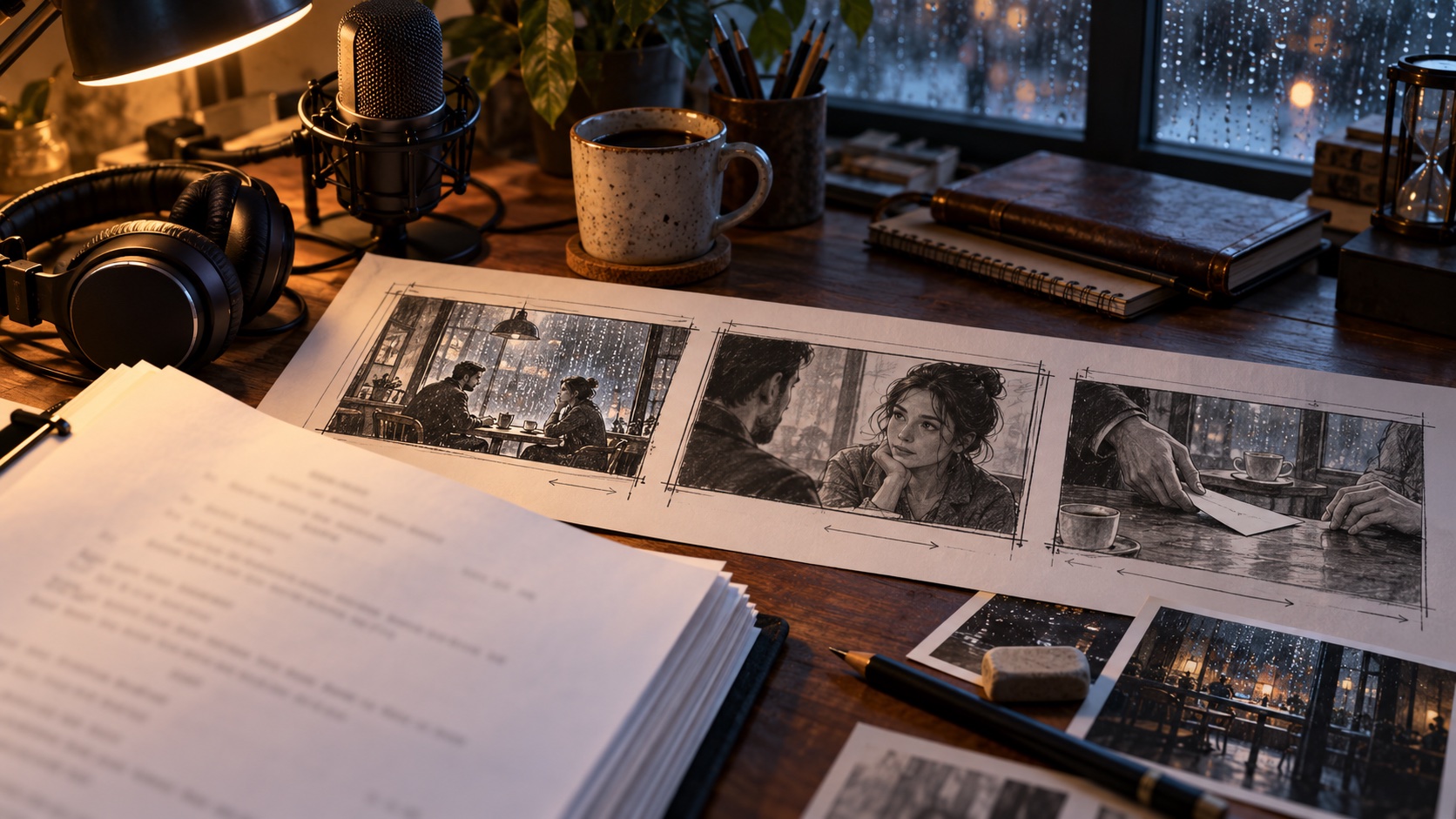
Take an AI script to video in Chapterframe for Mac while keeping control of the performance and pictures. Start with your script and a matching recording, or generate speech from the text and listen to the delivery before building the scene. Script mode separates the spoken dialogue from scene headings, action and camera directions, so production notes guide the shots instead of being read aloud. Review the timed takes, develop character and object reference sheets, and choose keyframes that fit each moment. Use Chapterframe Stage when you need to plan where people stand, how they move or where the camera looks. Render through a supported cloud provider or compatible render server, then compare the results with the audio on the Timeline. Refine the takes that need another pass and choose the primary versions to export as your film. AI provider and GPU rental charges are separate from the app.