
Higgsfield alternative for filmmaking, AI video subscription alternatives
Compare Higgsfield subscription costs with Chapterframe rendering through fal.ai, Vast.ai rentals and a compatible ComfyUI server at home.
Read the guide →CHAPTERFRAME RESOURCES
Guides to adapting a recording, planning scenes and reviewing the result.
Follow the 14-lesson Chapterframe course. Start with a sample and work through the Mac walkthrough with exercises, screenshots and troubleshooting.
Compare Higgsfield subscription costs with Chapterframe rendering through fal.ai, Vast.ai rentals and a compatible ComfyUI server at home.
Read the guide →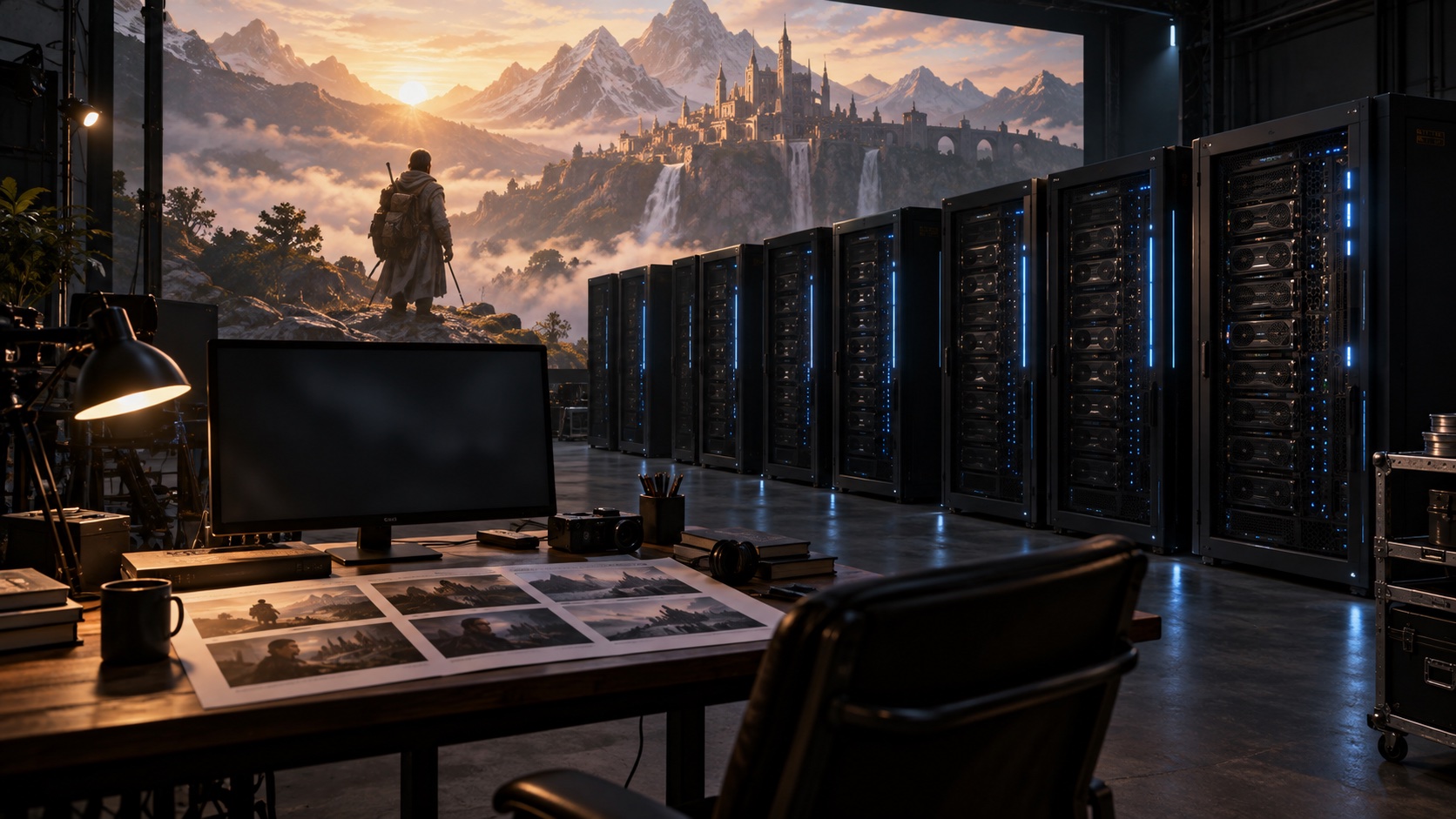
Rent and set up Vast.ai servers in Chapterframe, organize a render pool, follow job progress and release rented capacity when the work is done.
Read the guide →
Work out the cost of usable footage, allow for retries and idle GPU time, and plan a smaller rendering batch in Chapterframe.
Read the guide →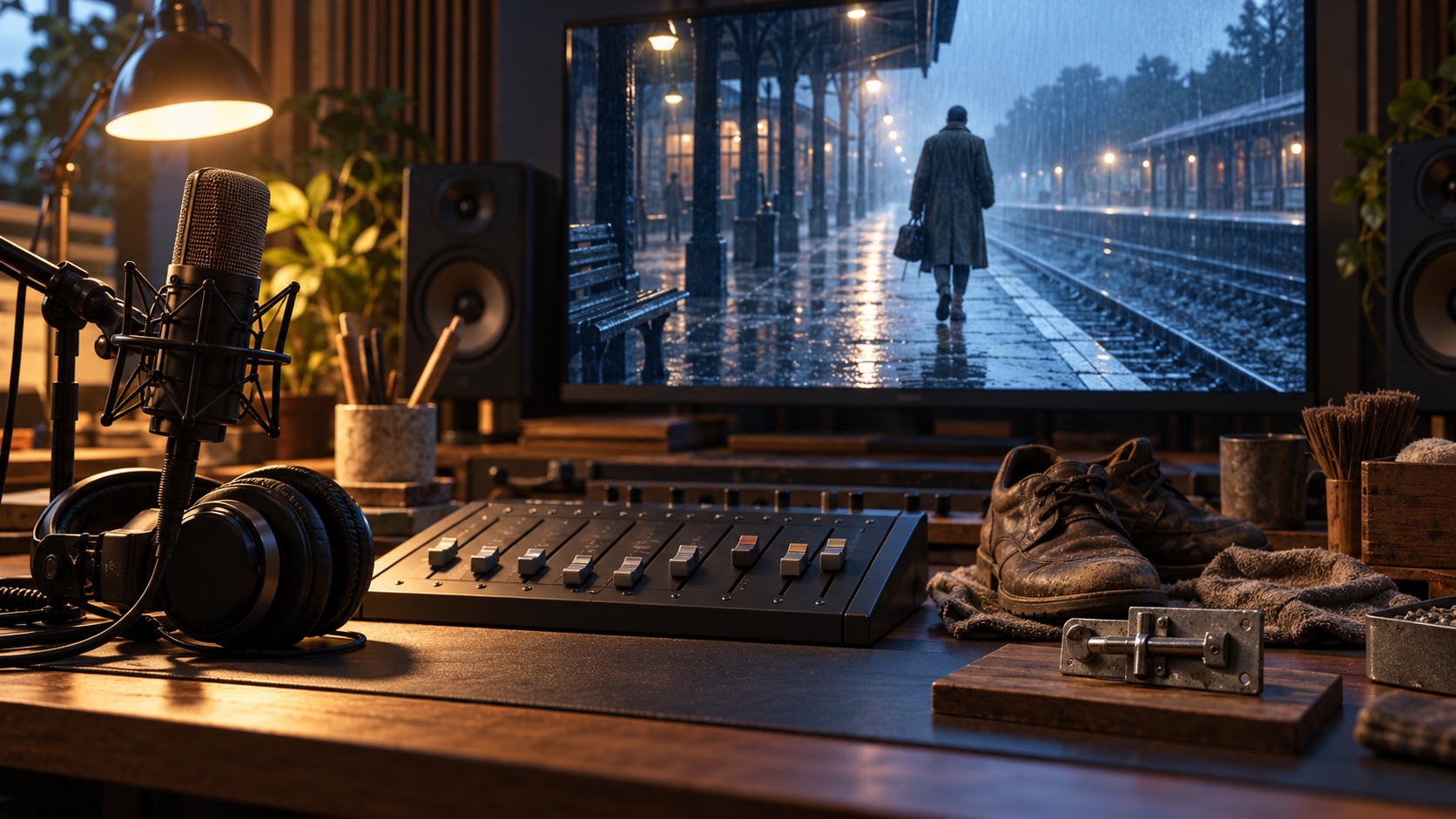
Add optional sound effects to AI video in Chapterframe, review them against the original performance and mute narration or renderer audio independently.
Read the guide →
Adapt a stage play in Chapterframe by working from its dialogue performance, translating stage directions into shots and rehearsing scenes in Stage.
Read the guide →
Follow Chapterframe from script to generated audio, character development and storyboard review, with advice on when to use an acted recording.
Read the guide →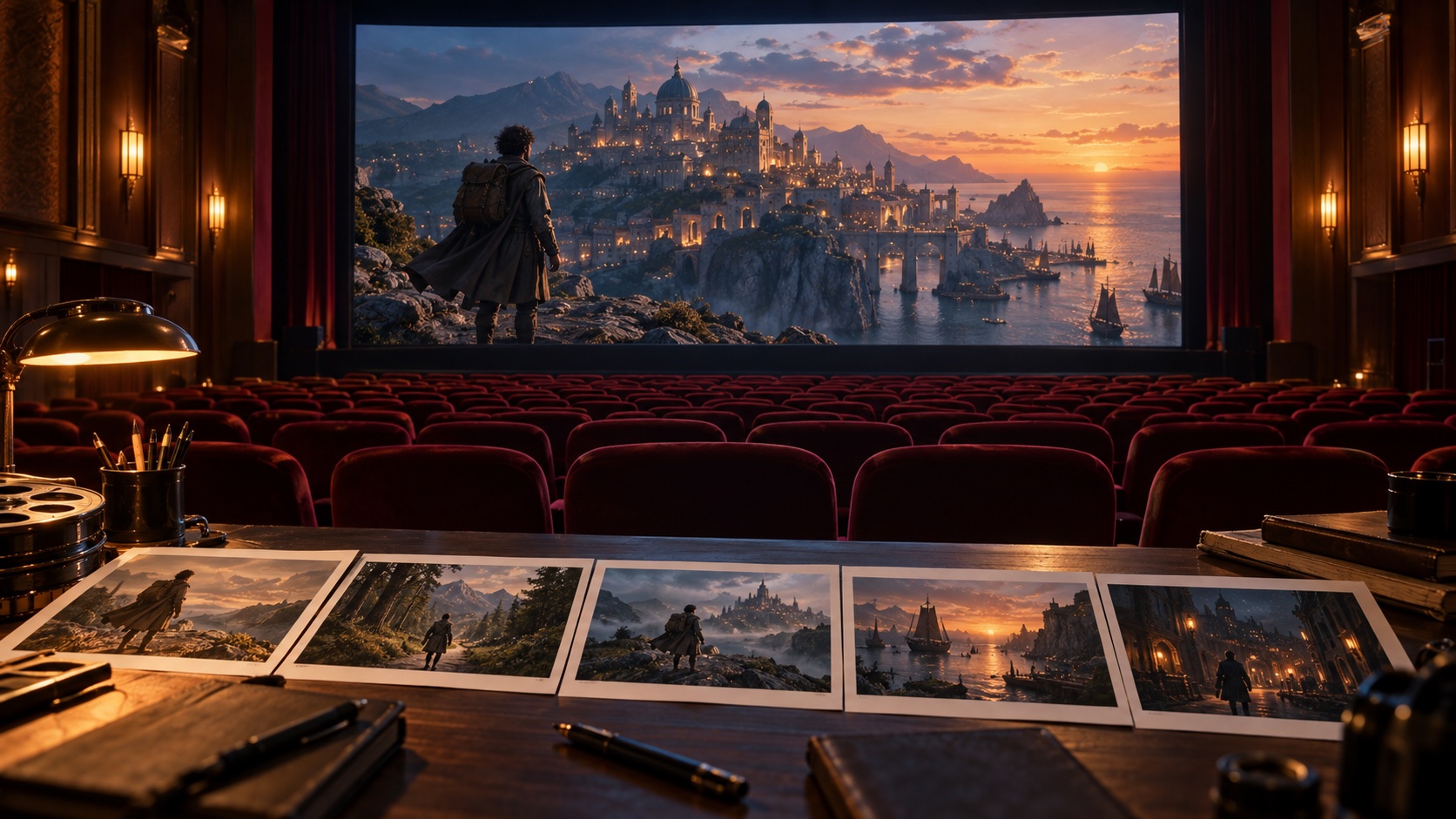
Plan a longer film in chapters, test a complete scene, carry references between takes and review the assembled movie in Chapterframe.
Read the guide →
How to adapt a novel in Chapterframe: choose the scenes, review a script, build character references and use Stage to plan the action before rendering.
Read the guide →
Build a scene around an audiobook recording in Chapterframe, from checking the take boundaries to reviewing the pictures with the original voice.
Read the guide →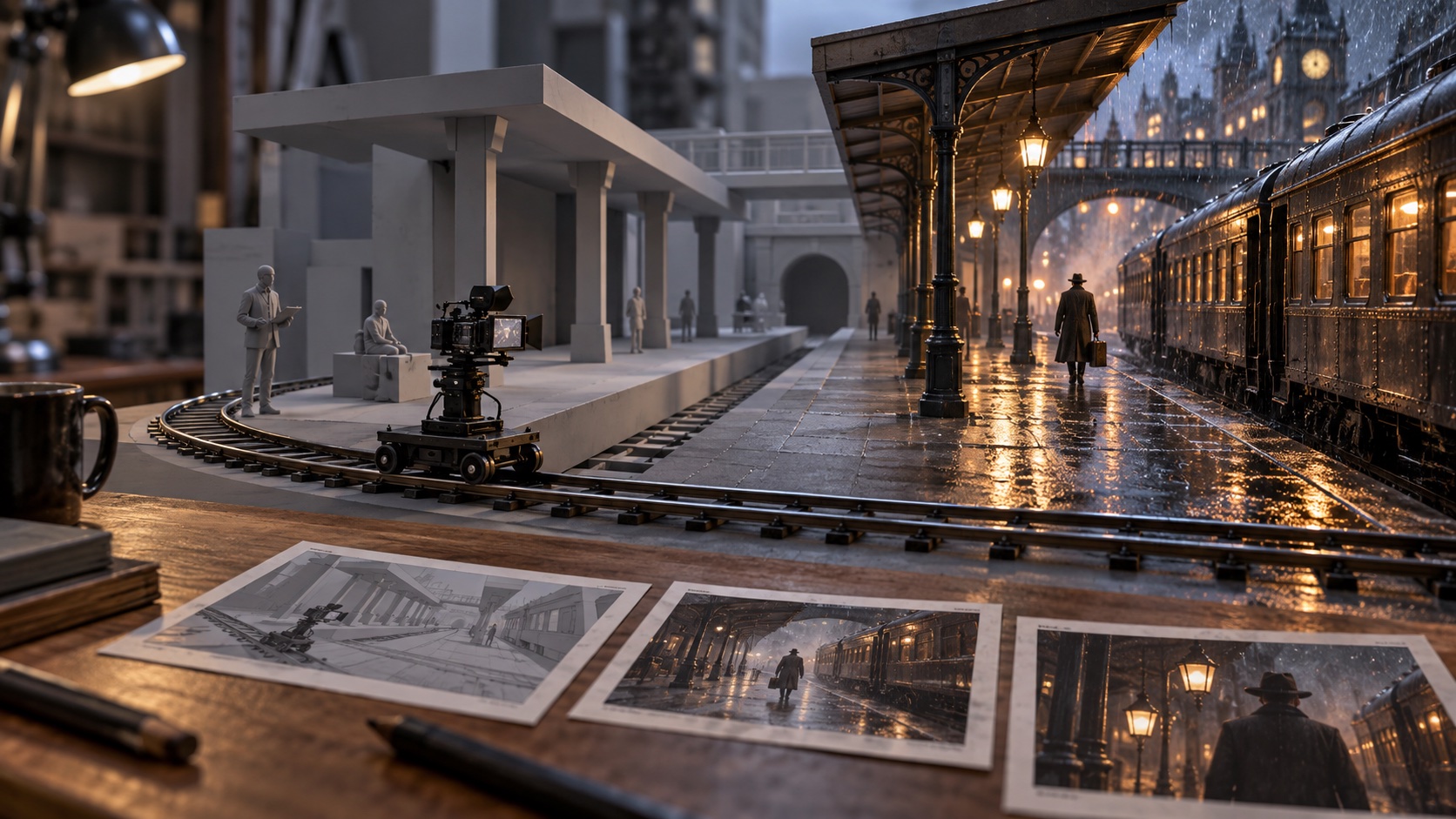
Use Chapterframe Stage for storyboard keyframes or render a 3D reference video to guide movement and camera timing. Choose how much planning each scene needs.
Read the guide →
Keep track of a character across shots with reference sheets, costume notes and take-by-take review in Chapterframe. Use Stage to plan positions and movement.
Read the guide →
How Chapterframe uses your Mac to organize a film, with a look at local storage and the services that render your takes.
Read the guide →Sample projects to open in Chapterframe, and films to watch from the official channel.
Find installation help or explore the rendering cost calculator.