Rendering costs
Higgsfield alternative for filmmaking, AI video subscription alternatives
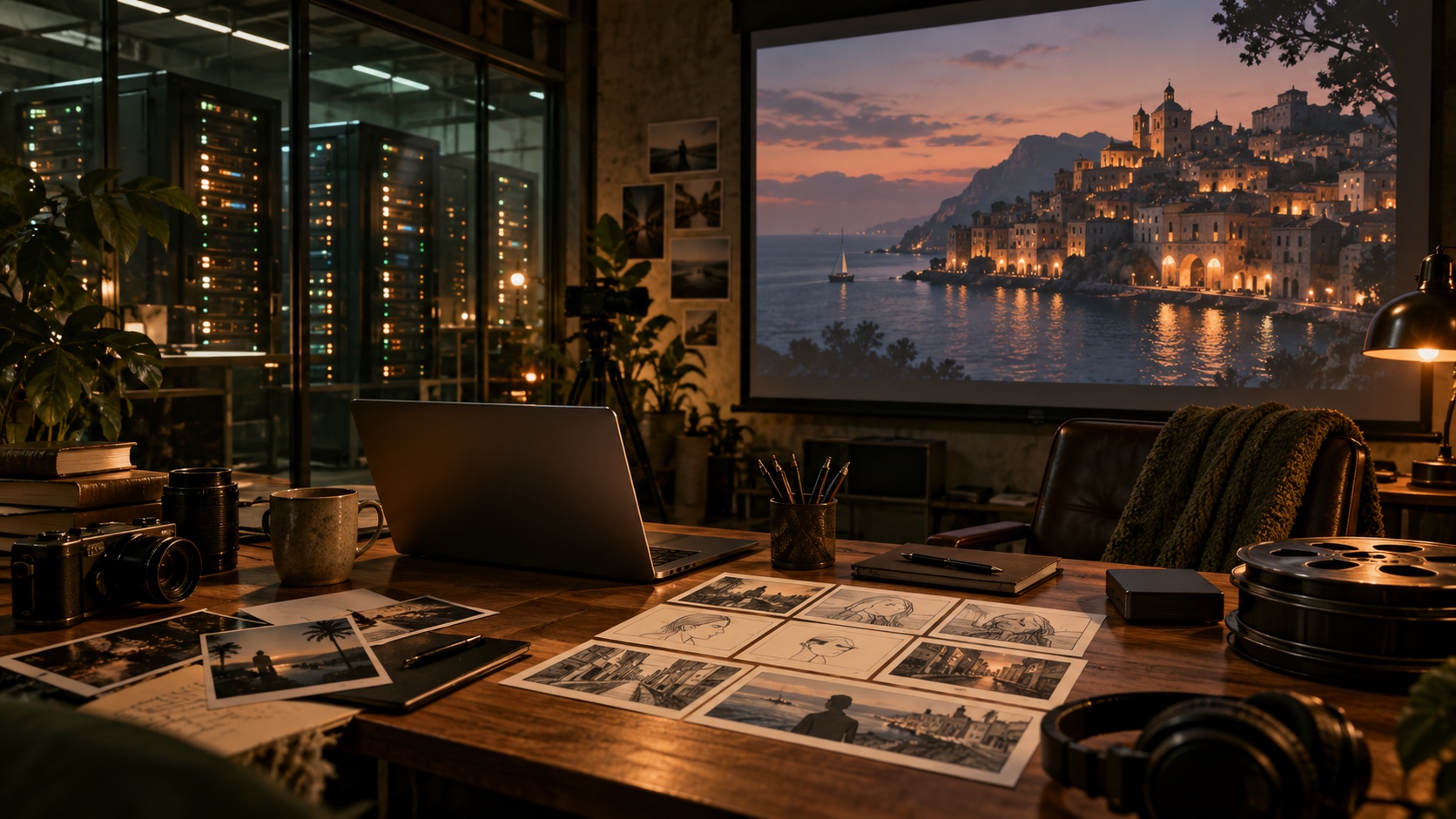
You might spend a week revising a script without generating any video, then need dozens of takes the following weekend. That pattern affects which payment arrangement makes sense. A monthly allowance, a usage-based API and a rented GPU each put a price on a different part of the work.
If you are looking for a Higgsfield alternative for filmmaking, begin with a scene you want to finish. Decide which model can produce it, how often you expect to render, and where you want to organize the resulting takes. Chapterframe provides a Mac workspace for the project while you choose the supported services and render servers that do the generation.
Chapterframe integrates with fal.ai and Vast.ai, and connects to compatible ComfyUI render servers, including one you run at home. It has no direct Higgsfield integration. Higgsfield appears here as a cost comparison for people choosing how to produce their video.
When a Higgsfield subscription fits
A hosted service can suit someone who wants to generate through a browser without setting up a render server. If you use the available models regularly, a subscription may fit the amount of work you finish each month.
Higgsfield's credit guide says generation charges depend on the model, resolution and duration, with the cost shown before you confirm. Unused subscription credits expire at renewal. Purchased credit packs have separate expiry rules, and some plans include model-specific free or unlimited generation with conditions.
A well-used Higgsfield monthly plan may work out cheaper per clip than paying fal.ai for individual generations. Divide the monthly fee, including any extra credits, by the number of generations you actually complete. Then count how many of those clips you keep. A low price per attempt is less useful if most attempts miss the shot you need.
Use fal.ai when usage billing suits the project
fal.ai provides usage-based access to model APIs and compute. For filmmaking, look at the selected model's own pricing and input requirements. The cost of one generation can change with the output settings and options you choose.
For this comparison, budget roughly $1 for a 15-second MiniMax H3 generation at about 720p. That makes 24 attempts about $24, or 100 attempts about $100. This is a rounded planning example; check the selected endpoint before submitting a job. For reference, fal.ai lists H3 Max at $1.20 for 15 seconds at 768p, so model and resolution choices change the total.
Usage billing can suit an uneven schedule. You can budget a batch around the generations you submit, then return to editing. Keep track of retries: paying by usage still means spending money on results you decide not to keep.
Check the exact model and workflow supported by your app integration. An API provider's full catalog is larger than any one application's set of supported connections. Compare the same duration and output settings before treating two prices as equivalent.
Organize the film separately from the generation bill
Chapterframe keeps your chapter text, take direction and generated versions together. You can review a keyframe, change one take and keep earlier results available for comparison. For a longer adaptation, that project structure gives you a way to return to an unfinished scene without reconstructing it from a folder of clips.
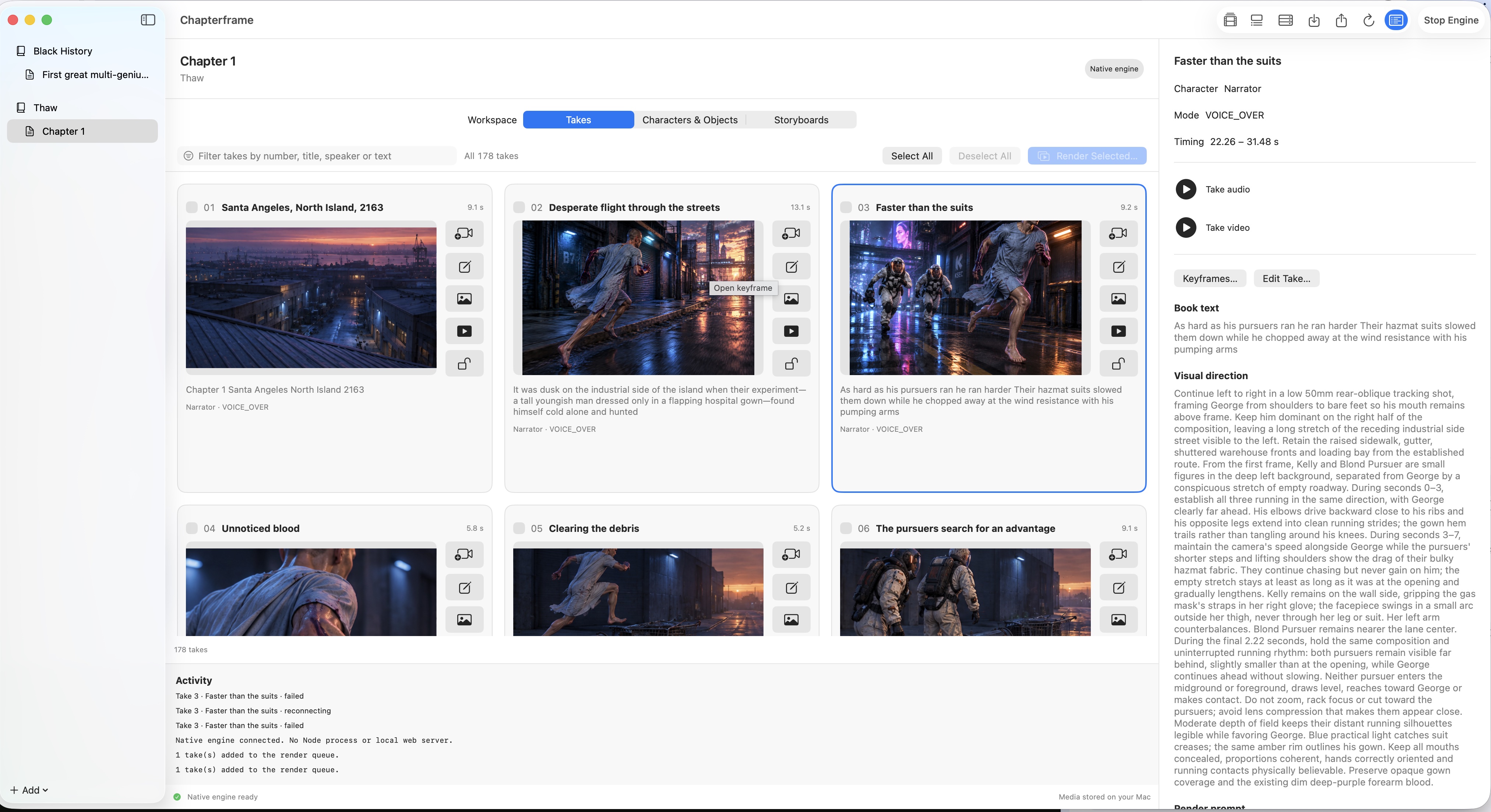
Chapterframe also supports compatible render servers and Vast.ai rentals. With a rented GPU, you pay for capacity while the machine is running, with storage and transfer charges where applicable. A batch ready to render can make better use of that time than a project whose prompts are still being rewritten.
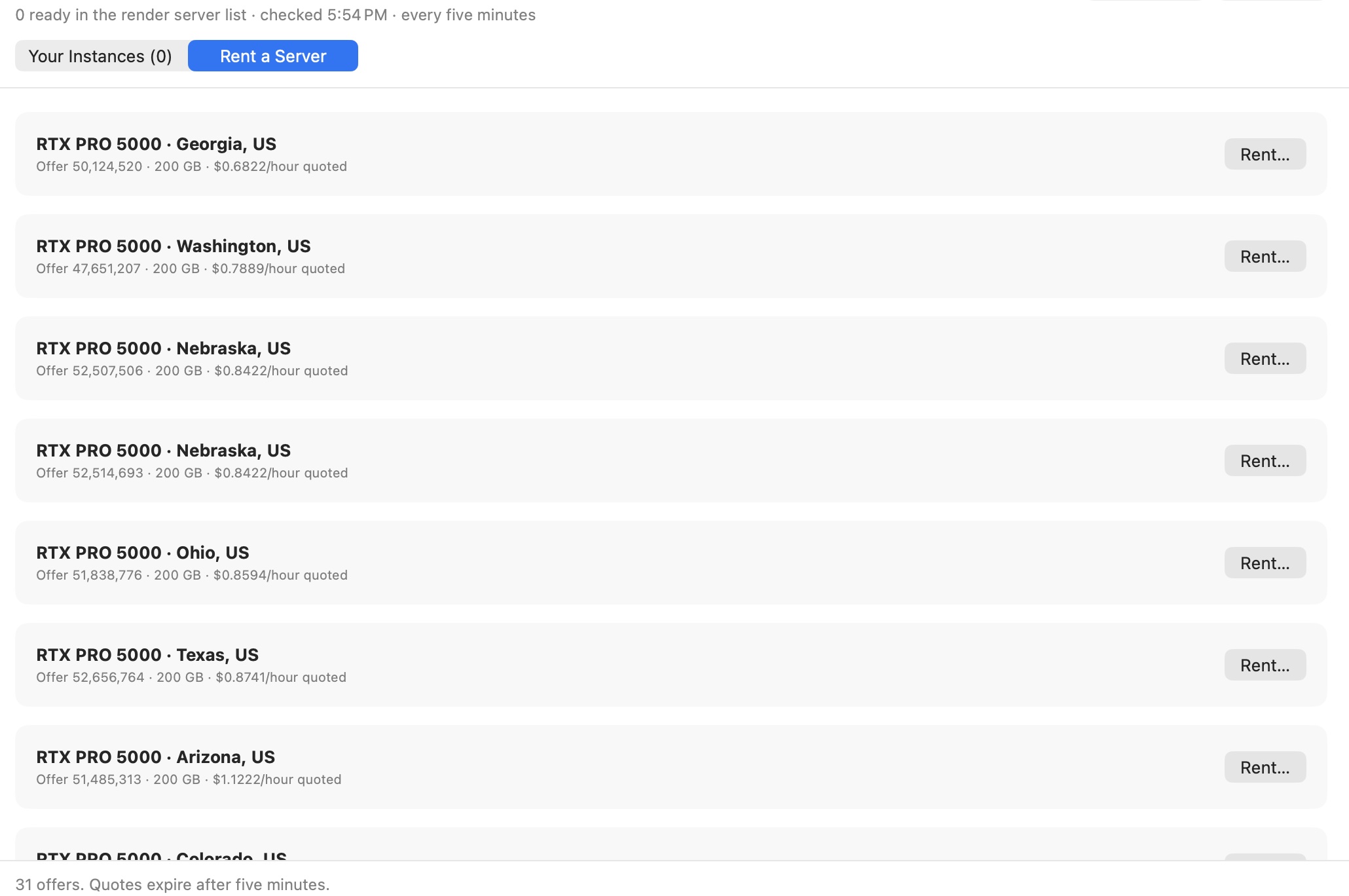
Start with one server and measure a small batch. Include setup time and rejected renders when comparing its cost with a hosted service. Our GPU render farm guide explains pool setup and cleanup. Renting hardware does not make a proprietary hosted model available for local use.
What 24 attempts could cost on Vast.ai
The site's calculator uses an example rental price of $1.50 per hour for an RTX 6000 Ada, with 15 to 24 renders per hour in a compatible accelerated 8-step workflow. At that pace, 24 attempts take about one to 1.6 hours and cost $1.50 to $2.40 in GPU rental time. Against the rounded $24 fal.ai example, that leaves considerably more room for another attempt at a difficult shot.
The RTX 5000 Ada example uses $0.75 per hour and eight to 13 renders per hour. At those rates, 24 attempts take about 1.85 to three hours and cost roughly $1.38 to $2.25. These are planning assumptions from the render cost calculator, not guaranteed rental quotes or benchmark results for your scene.
Those figures cover generation time only. Add model downloads and setup time, idle time, storage and any transfer charges. Vast.ai's pricing guide explains the separate charges. A standard workflow with more steps can take much longer, and an accelerated render may look different from a hosted model's output. Test the duration, resolution and quality you need before budgeting a chapter.
Run a ComfyUI server at home
If you already own a suitable GPU, you can connect Chapterframe to a compatible ComfyUI server on your home network. The server needs Chapterframe's bridge and the required workflow, models and dependencies installed. Your Mac manages the project and submits renders to that machine.
Electricity is one part of the bill you can measure directly. For example, a whole computer drawing 600 watts for an hour uses 0.6 kilowatt-hours. At an assumed electricity rate of $0.25 per kilowatt-hour, that hour costs $0.15. If your measured workflow completes 24 attempts in that hour, their electricity cost is $0.15 in total, or about $0.006 per attempt. A slower machine uses more hours to finish the batch.
That example excludes buying the GPU and computer, cooling and maintenance. It also excludes electricity consumed during setup or while the machine sits idle. For hardware bought specifically for rendering, divide its cost across the amount of work you expect to do, then add electricity. For a computer you already have, try a small batch and measure its speed and wall power before renting extra capacity.
Home and rented servers need a model and workflow that can run on their hardware. Compare the resulting shots with the hosted service at the duration and resolution you intend to use; the cheaper route still has to produce footage you want in the film.
Price the complete workflow
Chapterframe itself costs $199 USD, including the first 365 days of updates and support. An updates subscription starts with purchase and charges $10 USD per month after that first year unless canceled. Canceling stops future renewals; you can keep using the purchased version. Provider usage and GPU rentals are separate.
For your comparison, add the software cost to the services you expect to use. A home ComfyUI server may cover your regular rendering while a hosted video model handles a particular shot. A render pool may help you finish a prepared batch sooner but cost more if it sits idle.
Try the same short scene with the approaches you are considering. Record the total spend and the number of shots you keep. Watch those shots together with the audio. That result tells you more about the cost of finishing your film than a headline price for a single generation.
Try Chapterframe with a sample scene
Explore the Mac workspace and Chapterframe Stage before purchasing. Start with a sample chapter to inspect the takes and references.
Your free trial starts when you first open the app and lasts seven days. AI provider, GPU rental and storage charges are separate. After the trial, activate a purchased license to keep creating; otherwise the app becomes read-only.
Choose a sample project or review the purchase and subscription details.