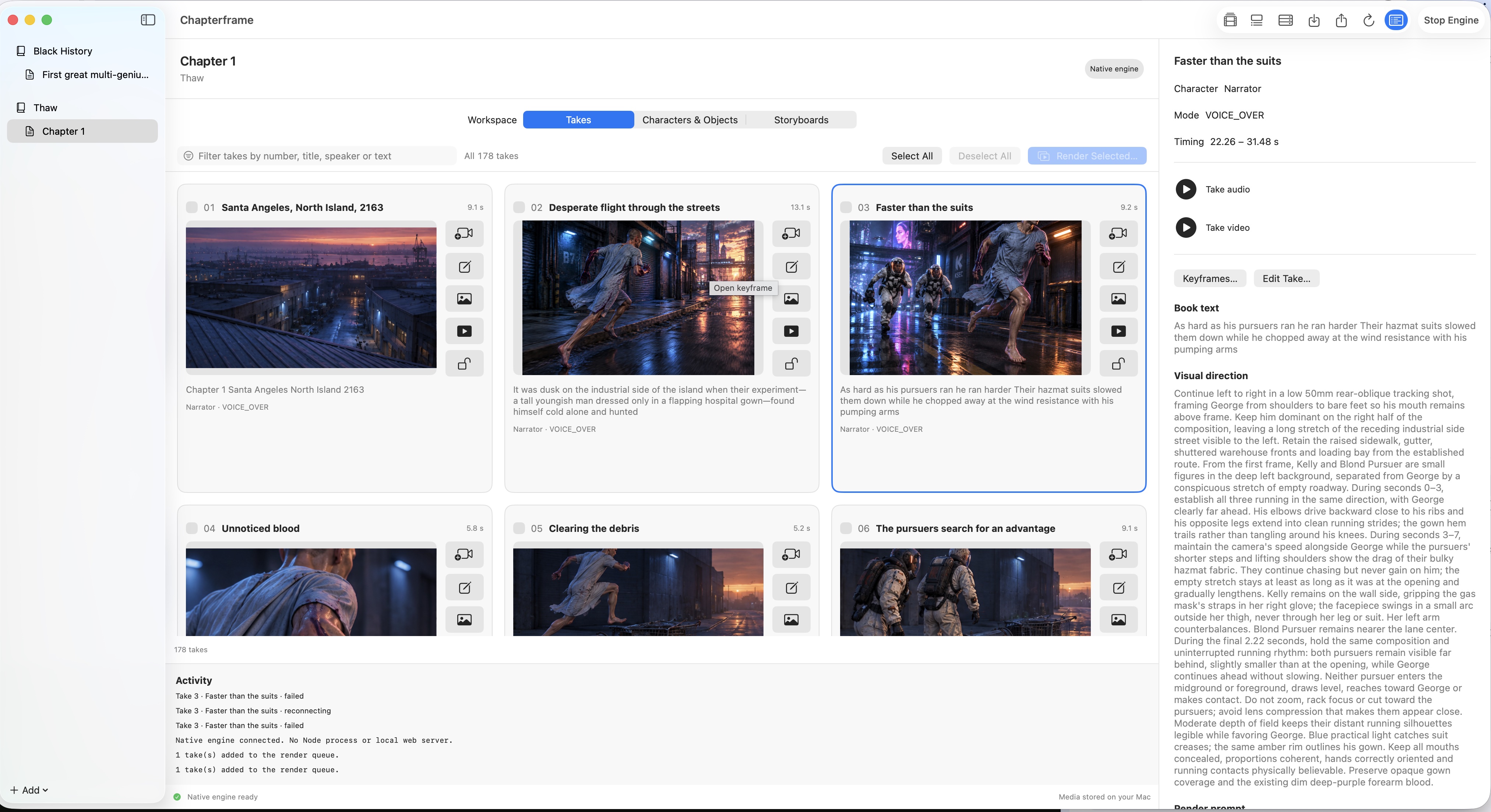
A library with a sense of place.
Organize books and chapters, choose working folders, and move chapter snapshots between the Mac and web editions with ZIP transfer.
CHAPTERFRAME FOR MACAvailable now
Your stories, your takes, your render resources. A native Mac workspace for making deliberate creative choices.
Get Chapterframe for Mac01The native edition
Mac and web are distinct editions. Here’s what the native workspace supports today.
Organize books and chapters, choose working folders, and move chapter snapshots between the Mac and web editions with ZIP transfer.
Edit take text, visual direction, and render prompts. Review media on the native timeline and select the rendition that belongs in your story.
Generate or upload keyframes with linked character and object references. Keep versions, compare ideas, and protect the frame you choose.
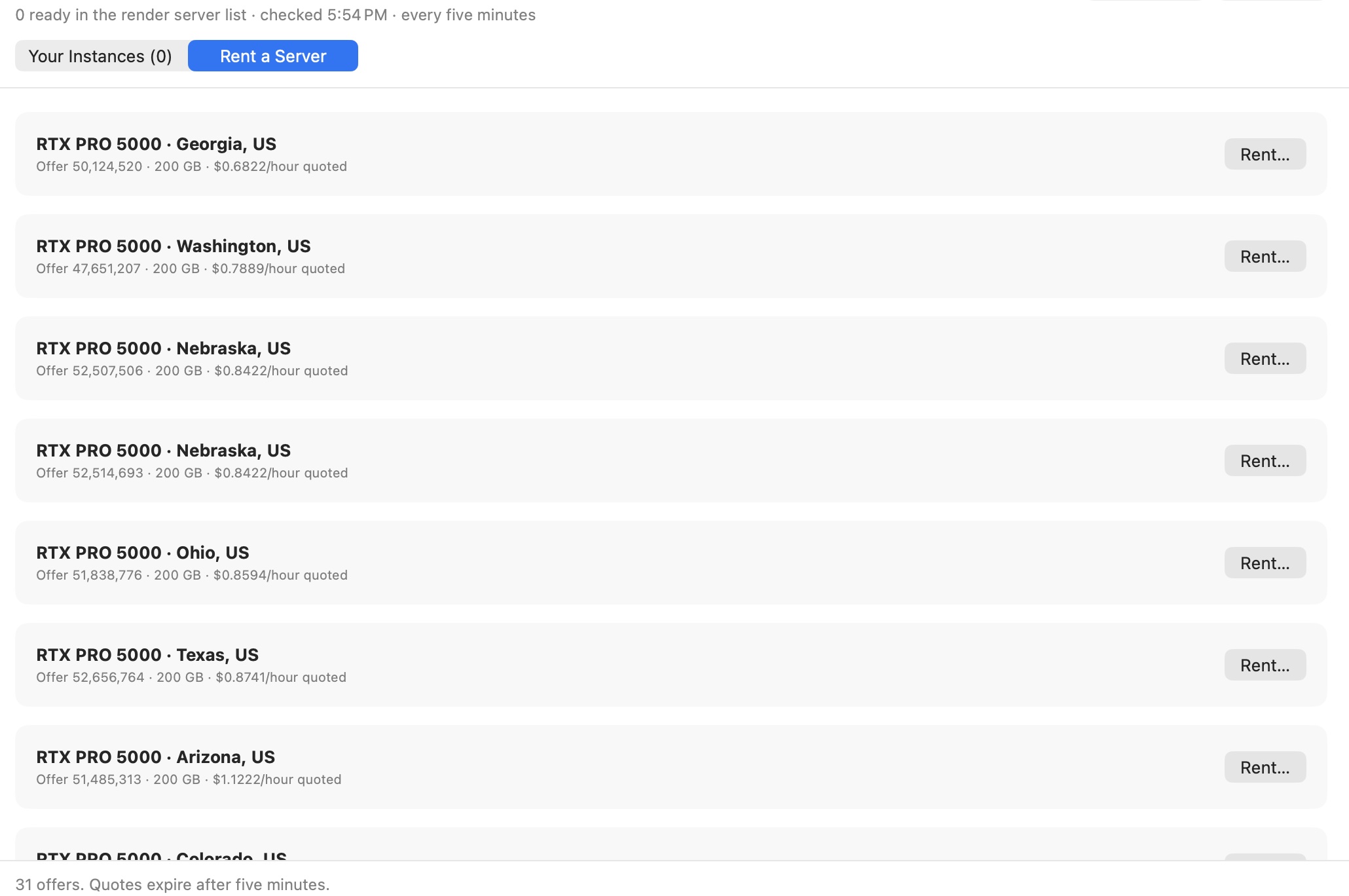
Manage compatible render servers and Vast GPU rentals. Choose a server or group, queue supported image-to-video takes, and track results.
The native workflow is still expanding. Automated script analysis, full audio finishing, lip-sync workflows, and joined movie export are not yet part of the native edition. The web studio has a wider workflow and is coming to public access later.
IN THE MAC APPCast & resources
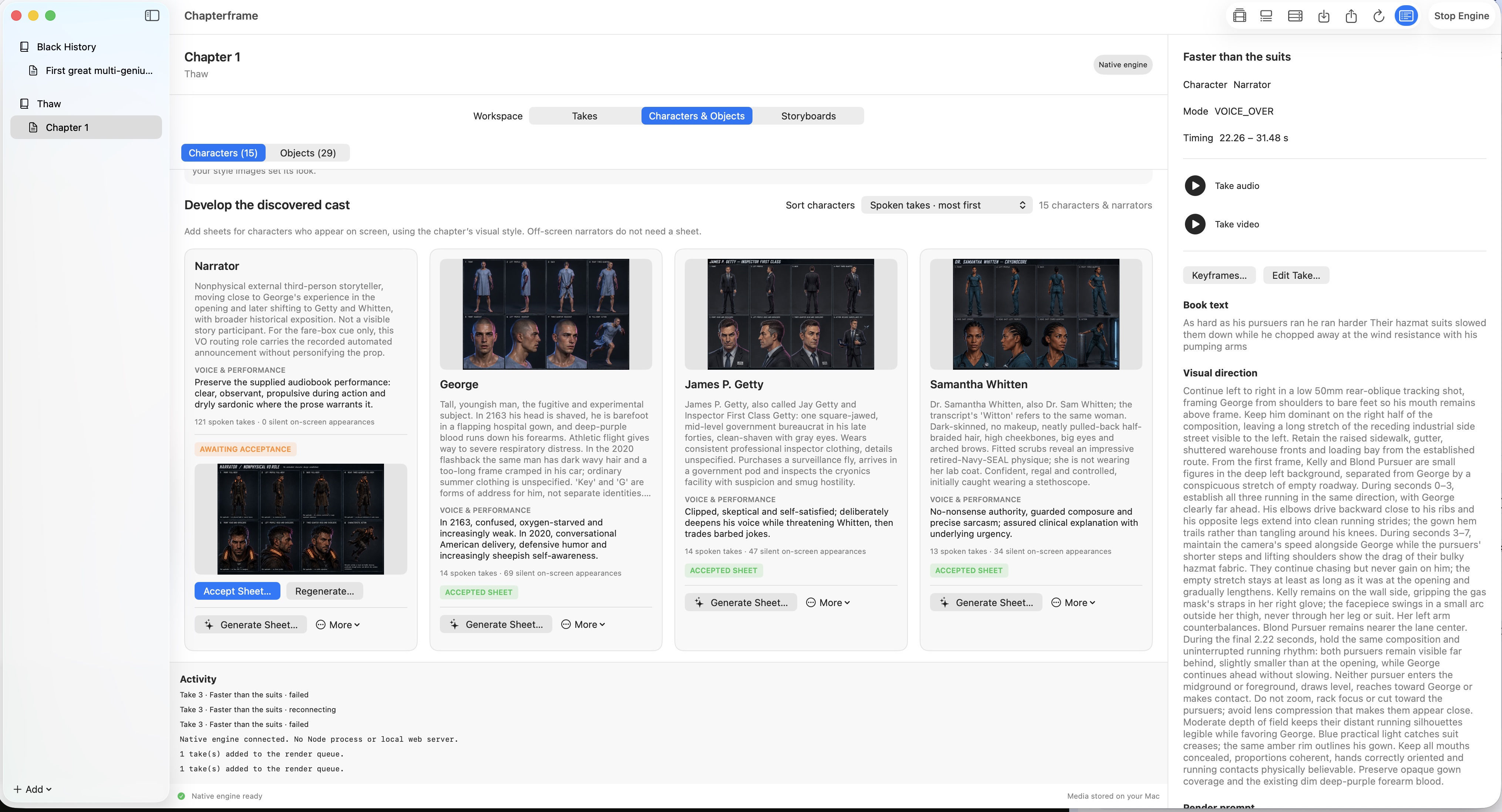
Review character sheets and browse GPU rental offers inside the native workspace.
Chapterframe for Mac uses built-in SQLite for its local library. No database server installation is needed. Choose your media folder in Settings → Engine & Storage, then click Start Engine.
Moving from an older Mac version? Open Local Library & Previous Mac Import in the app. Keep your existing media folder and library name, quit the older app, and leave its local MongoDB service running for the one-time import into an empty SQLite library. You can also import chapter ZIPs exported by the web app.
02Before you start
A workspace you run, with providers you choose.
Review the current features and setup requirements above before installing.
macOS 15 or later · Apple silicon
CHAPTERFRAME FOR MAC · PURCHASE & UPDATES
Pay $199 USD once for the Mac app, including your first 365 days of updates and support. Your subscription starts with purchase. After 365 days, you are charged $10 USD every month automatically until canceled. Cancel anytime before renewal to stop future charges; keep using your purchased version.
Buy for $199 + $10/month after year oneFor owners whose included updates have ended and who have no active subscription. $10 USD/month starts immediately. New purchases already include a subscription—do not subscribe twice.
Subscribe to updates — $10/monthSecure checkout through Stripe. 14-day refunds · Mac software license. Manage or cancel your subscription at any time. For billing help, email support@chapterframe.ai.