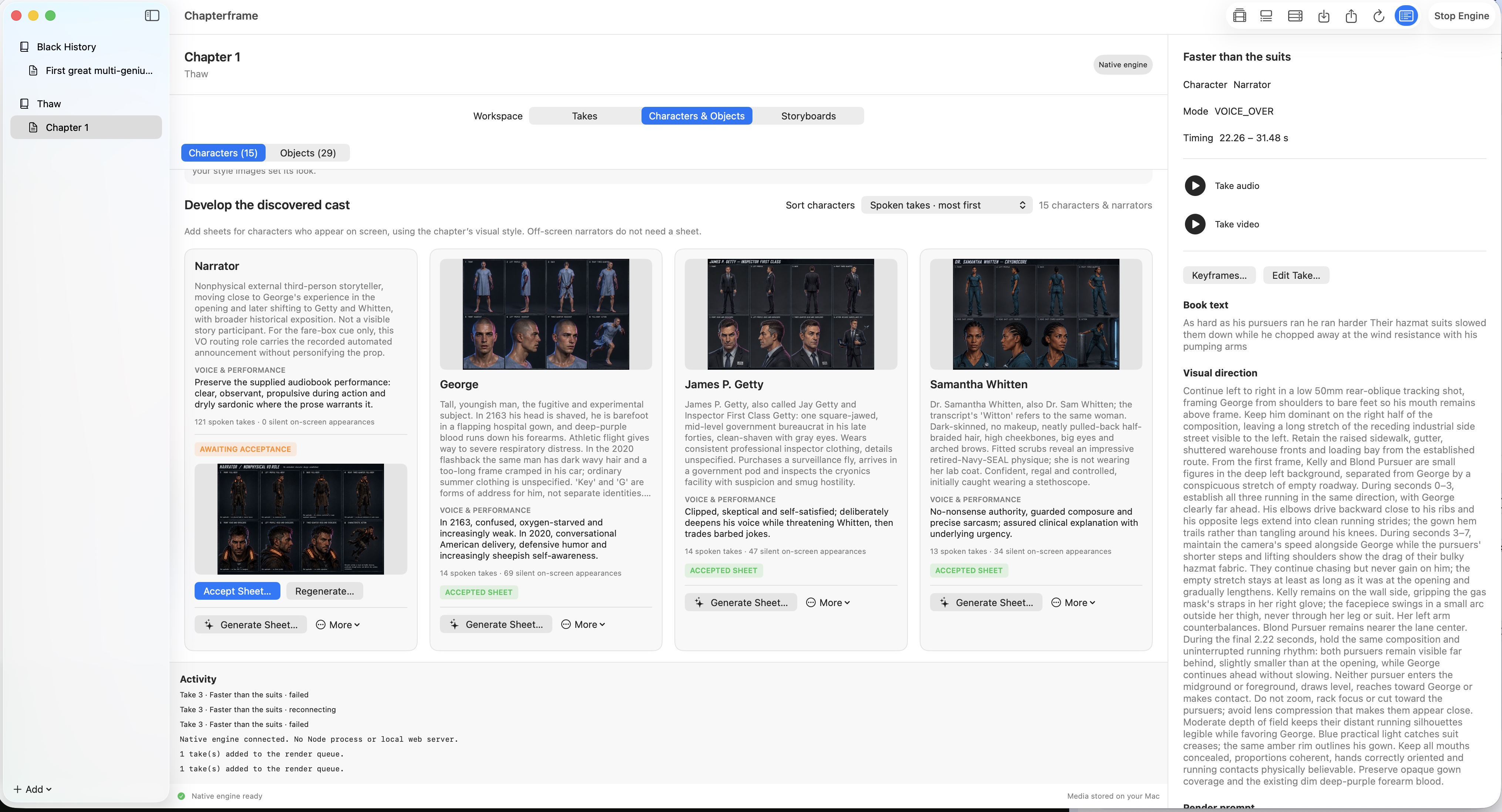
Give your cast a consistent identity.
Actual application screenshot.
Reuse character reference sheets to guide faces and costumes across your takes.
For self-publishing authors and writers: bring your manuscript and narration into one Mac workspace. Build your cast and direct each take instead of settling for the first clip the model gives you.
Intel & Apple silicon · macOS 15 or later
AI service and rendering costs are separate.
For directing a story shot by shot. This is not an automatic one-click movie maker or a browser editor.
Save the trial link for when you’re back at your Mac.
Email opens a draft in your email app. You choose the recipient and send it.
FROM OUR BOOKTOMOVIESBM CHANNEL
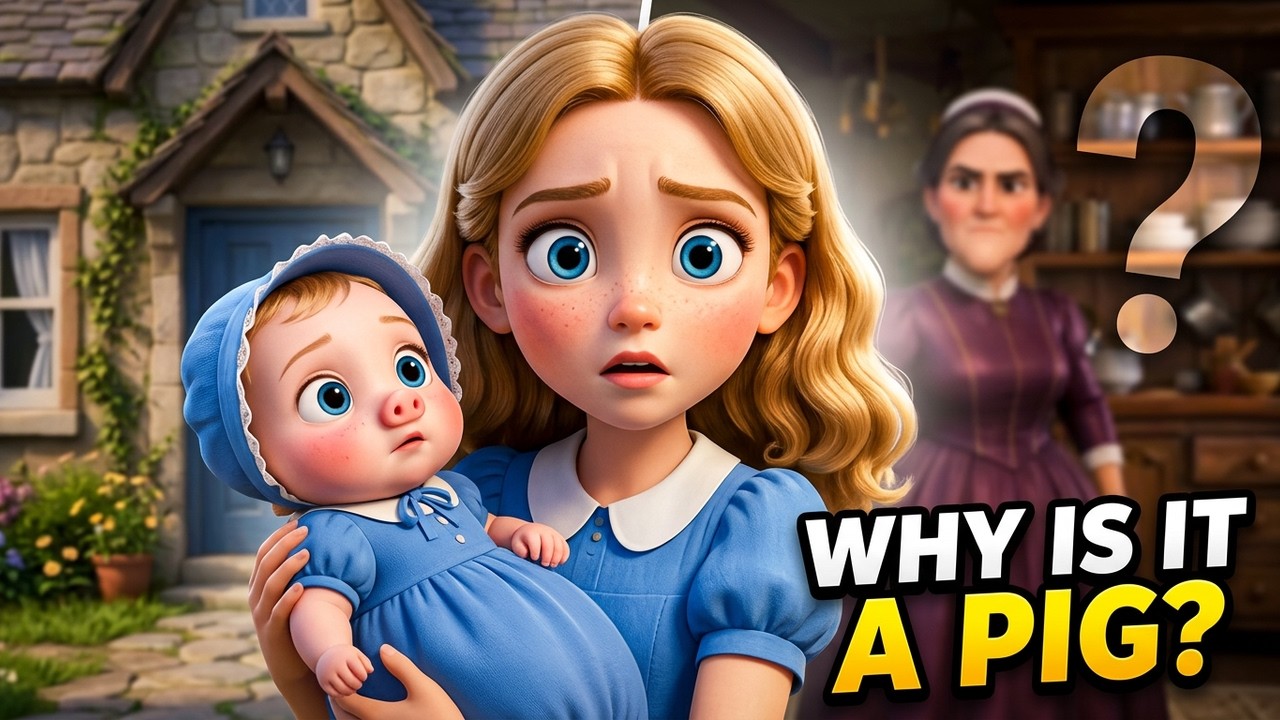
Play connects to YouTube. Starts at 0:18, muted; use the player controls for sound and available captions. Your analytics choice stays separate.
FROM YOUR STORY TO YOUR FIRST CUT
Start with chapter text and narration, or open a prepared sample project.
Choose character references, refine keyframes and select how each take renders.
Review the takes with their audio, choose the versions you want and export a film you can put your name to. Your choices of performance, framing and cuts shape the result.
INSIDE THE MAC APP
Actual application screenshot.
Reuse character reference sheets to guide faces and costumes across your takes.
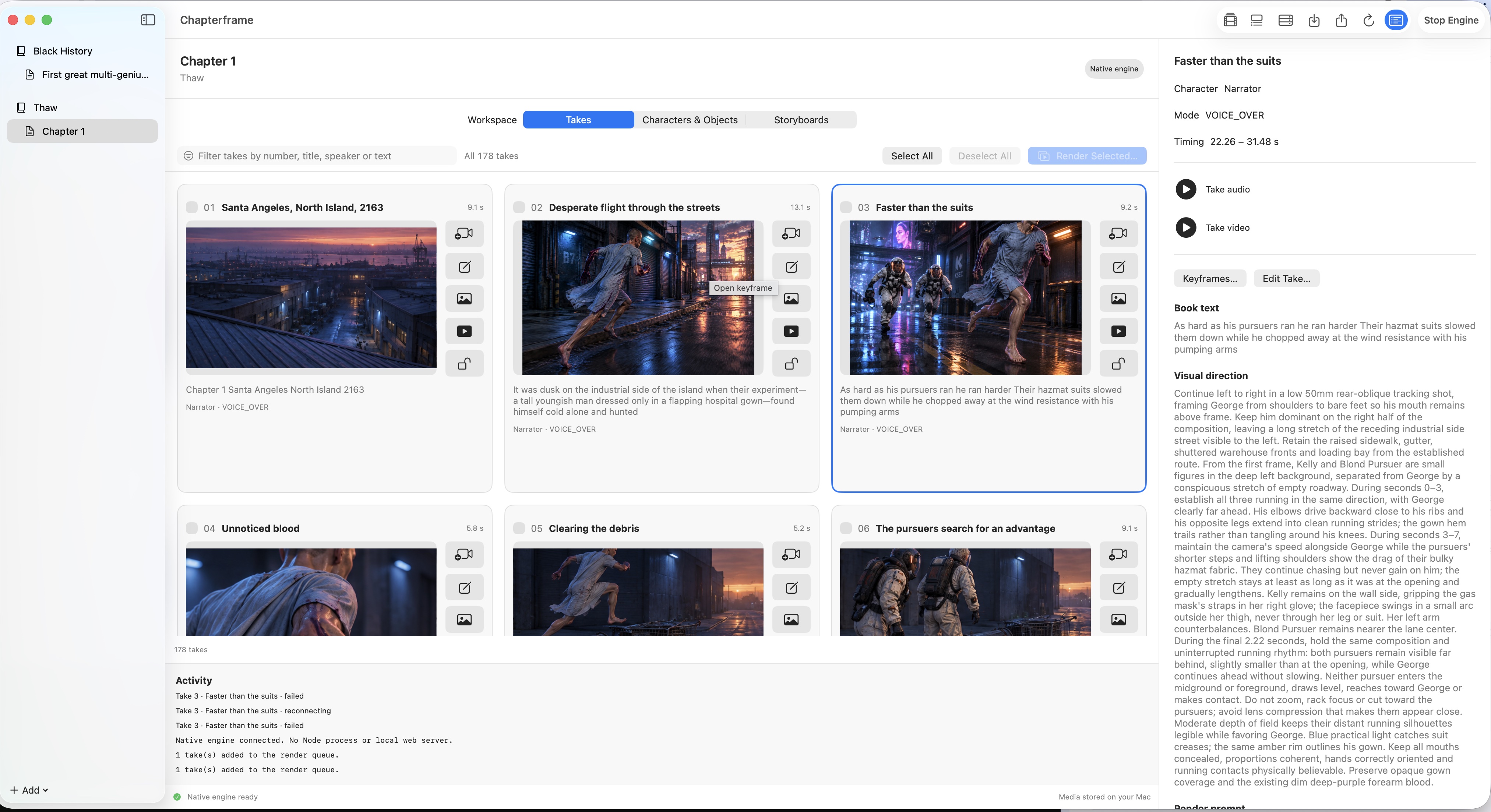
Actual application screenshot.
Review keyframes, edit the direction and choose which rendered takes belong in your timeline.
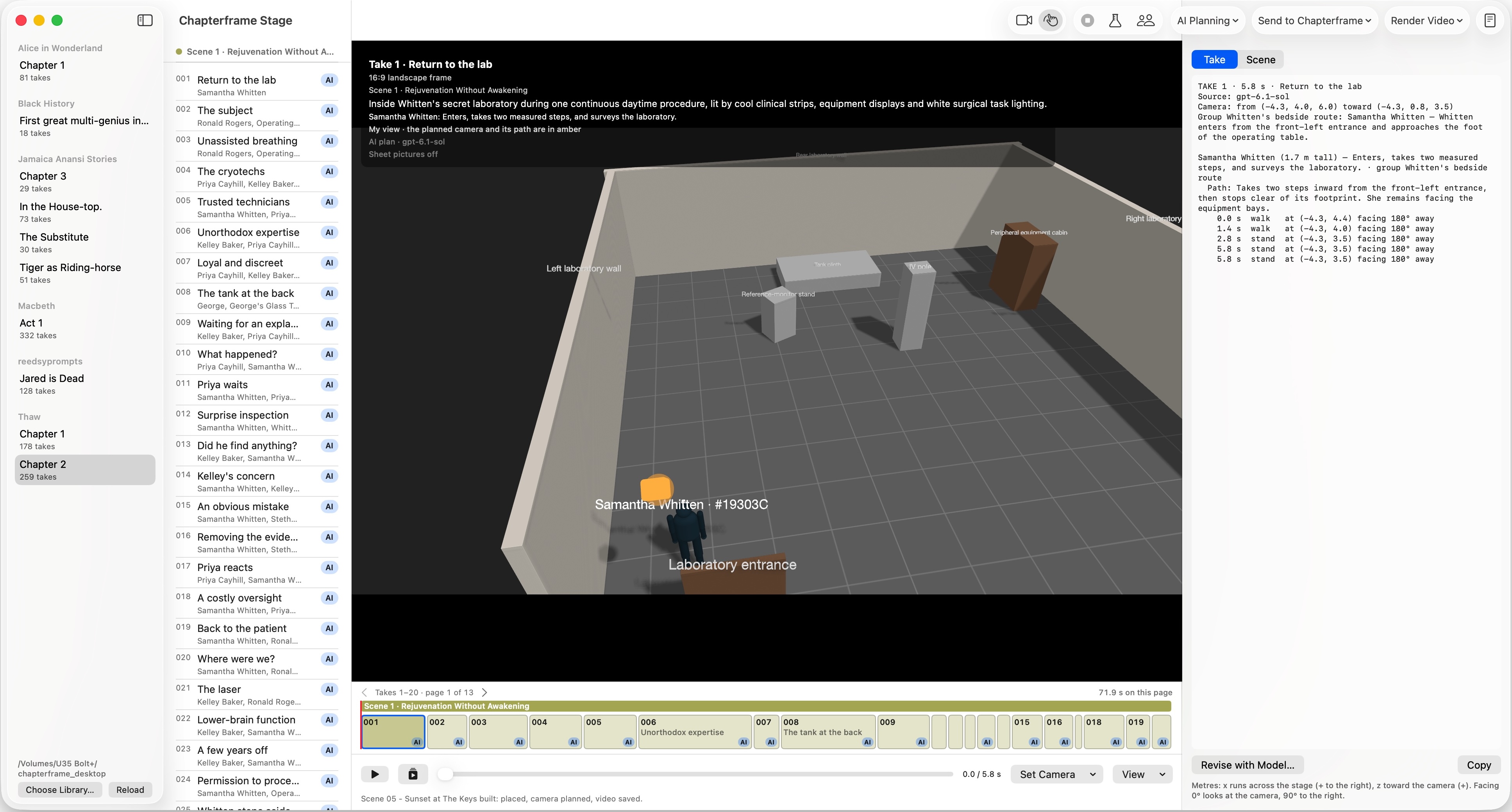
Actual application screenshot.
Block characters and cameras in Stage, the included 3D rehearsal tool. Planning geometry is separate from the final render.
A PLACE TO START
You don’t need to prepare a whole book first. Import a sample chapter to inspect its takes, references and existing renders, then try changing the direction of a take.
New AI generations use your connected providers and may incur charges.
FOR AUDIOBOOK AND NARRATED-STORY PRODUCERS
Your chapter recording sets the timing of the takes, so you can build the pictures around the performance you already have. Import matching chapter text and audio, review the take boundaries, then direct the shots around the narrator’s pauses and delivery.
TRY IT WITH YOUR OWN STORY
The trial starts when you first open Chapterframe on your Mac. Explore every feature, with Stage included.
After seven days, buy a license to keep creating. Without one, your library becomes read-only.
CHAPTERFRAME FOR MAC
Includes 365 days of updates and support.
Purchase also starts an updates subscription. After 365 days, it bills $10/month until canceled. Cancel before renewal and keep using your purchased version.
AI provider, GPU rental and storage charges are separate.
Buy ChapterframeSecure checkout through Stripe.
14-day money-back guarantee on your initial $199 app purchase. Request a full refund within 14 calendar days of payment; no technical fault or explanation required. Monthly updates and third-party charges are excluded.
You keep the purchased app and choose the supported providers you pay for rendering. For comparison, VisionX Creator is $49/month with a generation allowance. Chapterframe’s $199 does not include generation. Calculate your savings using your own workload; a lower total is not guaranteed. Price checked November 4, 2026.
macOS 15 or later, on Intel or Apple silicon. Your project library uses built-in SQLite. Follow the setup guide to choose your media folder and connect the services you want to use.
The app price does not include AI generations. Connect supported AI services or use compatible rendering infrastructure, including rented GPUs. Your cost depends on the provider, model, duration and retries.
Compare rendering estimatesYour project library stays on your Mac. Selected cloud services receive the material needed for their tasks. Choose local processing where supported and review what a provider receives before using it.
See local and cloud processingYes. Download the trial and import a sample chapter to explore its takes and media. The Mac training course walks through setup and the production workflow.
AI can produce odd faces, changing costumes or movements that miss your direction. Character references and keyframes guide the model, but they do not guarantee continuity. Review a short sequence with its audio before rendering the whole chapter. Keep the takes that work, revise the others and allow for paid retries.
You direct and select each take instead of accepting every generated clip. Open a sample chapter to inspect its references and selected renders, then judge the sequence for yourself.
Compare estimated rendering costs using your own workload and provider quotes. Actual savings depend on the models, settings and retries.