AI cinematic studio
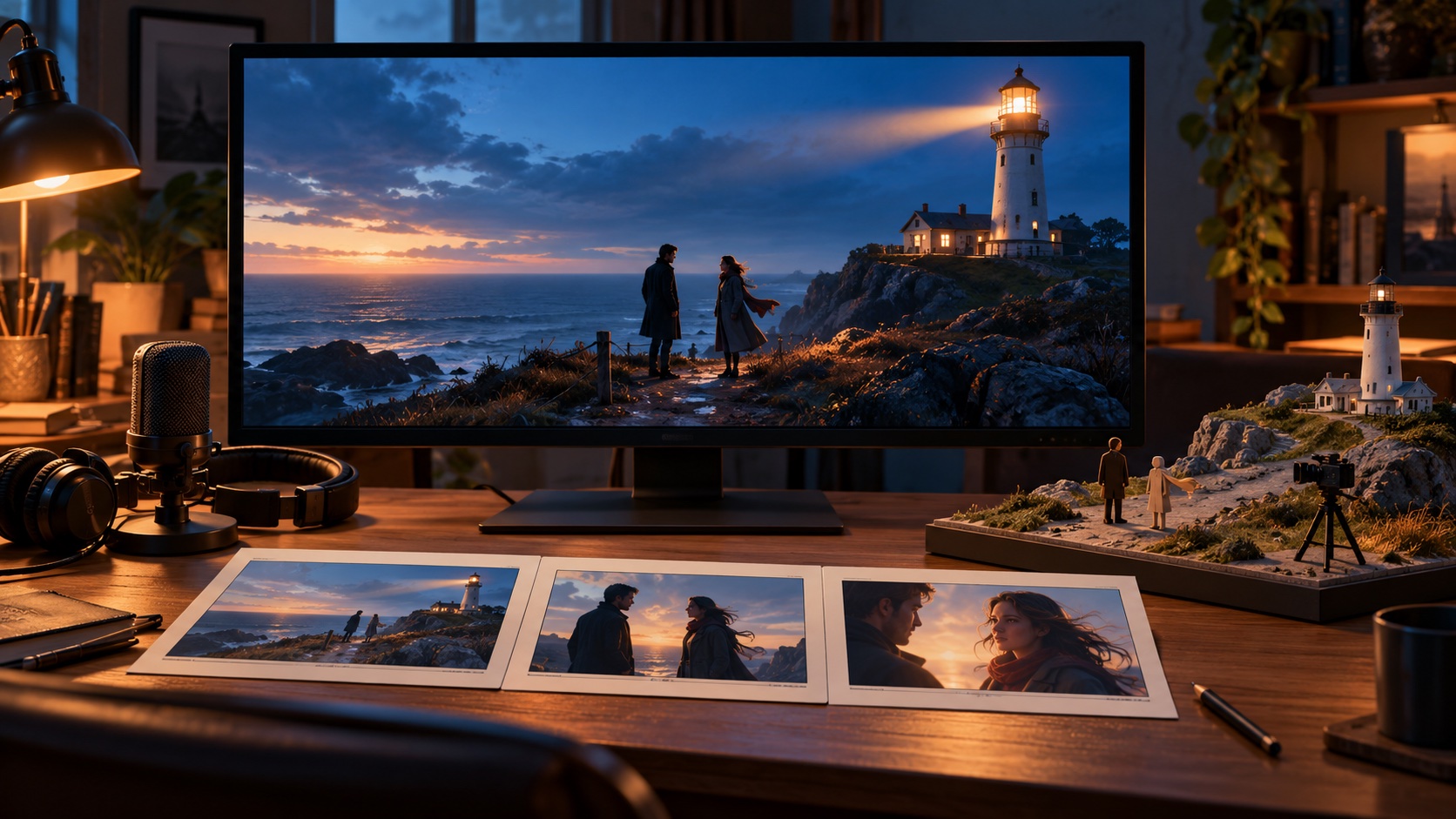
AI cinematic studio work starts with deciding what the audience should see and feel in each moment. Chapterframe for Mac gives you a place to turn those decisions into a film, bringing a script or narrated story together with character references, shot directions and generated video. Break the story into timed takes, choose the framing for each exchange, and use storyboards and opening or closing keyframes to guide the scene. When the staging needs more attention, Chapterframe Stage lets you plan character positions, movement and camera views in 3D. Keep the recorded performance at the centre of the sequence, compare rendered versions, and refine individual shots without replacing the work you want to keep. You can also paint an area of a keyframe to add, remove or replace a detail, using selected character or object images as references. Review the chosen takes on the Timeline before exporting your film. Rendering runs through supported providers or compatible servers, with generation and GPU charges separate from the Chapterframe software.