add sound effects to video ai
add sound effects to video ai: start with the sound that makes the action understandable. Chapterframe lets you prepare effects for selected takes and review them alongside the recorded performance. In a shot of someone shutting a gate, the latch may matter more than a continuous wash of outdoor noise. Describe the audible event plainly and place it within the take’s duration, leaving space for any spoken line.
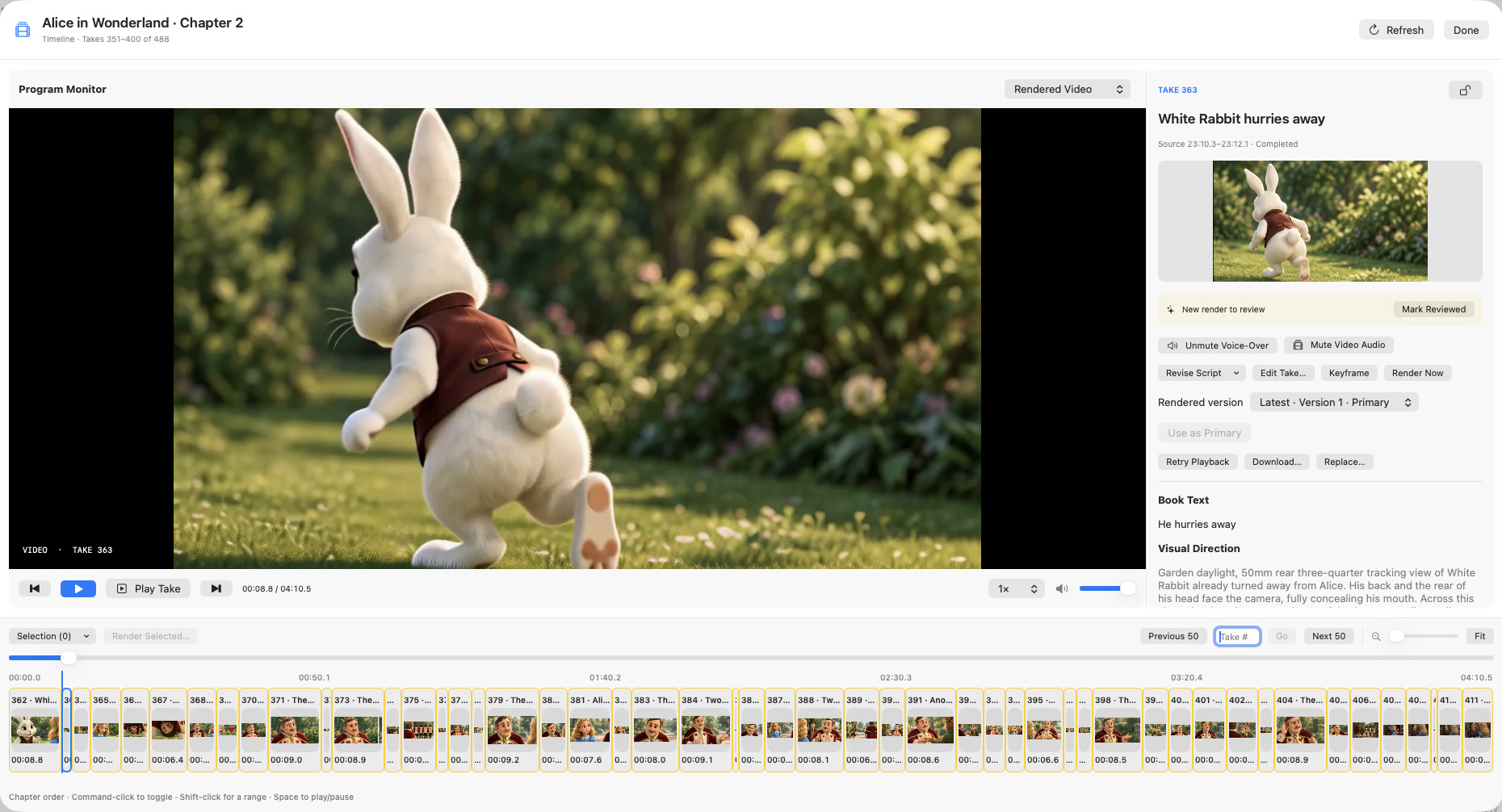
In Chapterframe, select the relevant unlocked takes and choose Tools → Add Sound Effects. A selected writing model can prepare cues from the scene direction; inspect those cues before rendering. The Timeline lets you compare the generated video audio with the voice-over where layer controls are available. Use the sound-effects lesson to practice on one take before applying the same approach across a chapter.