add sound effects to video
add sound effects to video: watch the scene once and note the moments that would become clearer with sound. Chapterframe supports an optional effects pass for selected takes, followed by review with the original voice. A dropped key, a passing vehicle or footsteps outside a closed door can each communicate something the picture alone leaves uncertain. Add those purposeful sounds first, then decide whether the background needs any more detail.
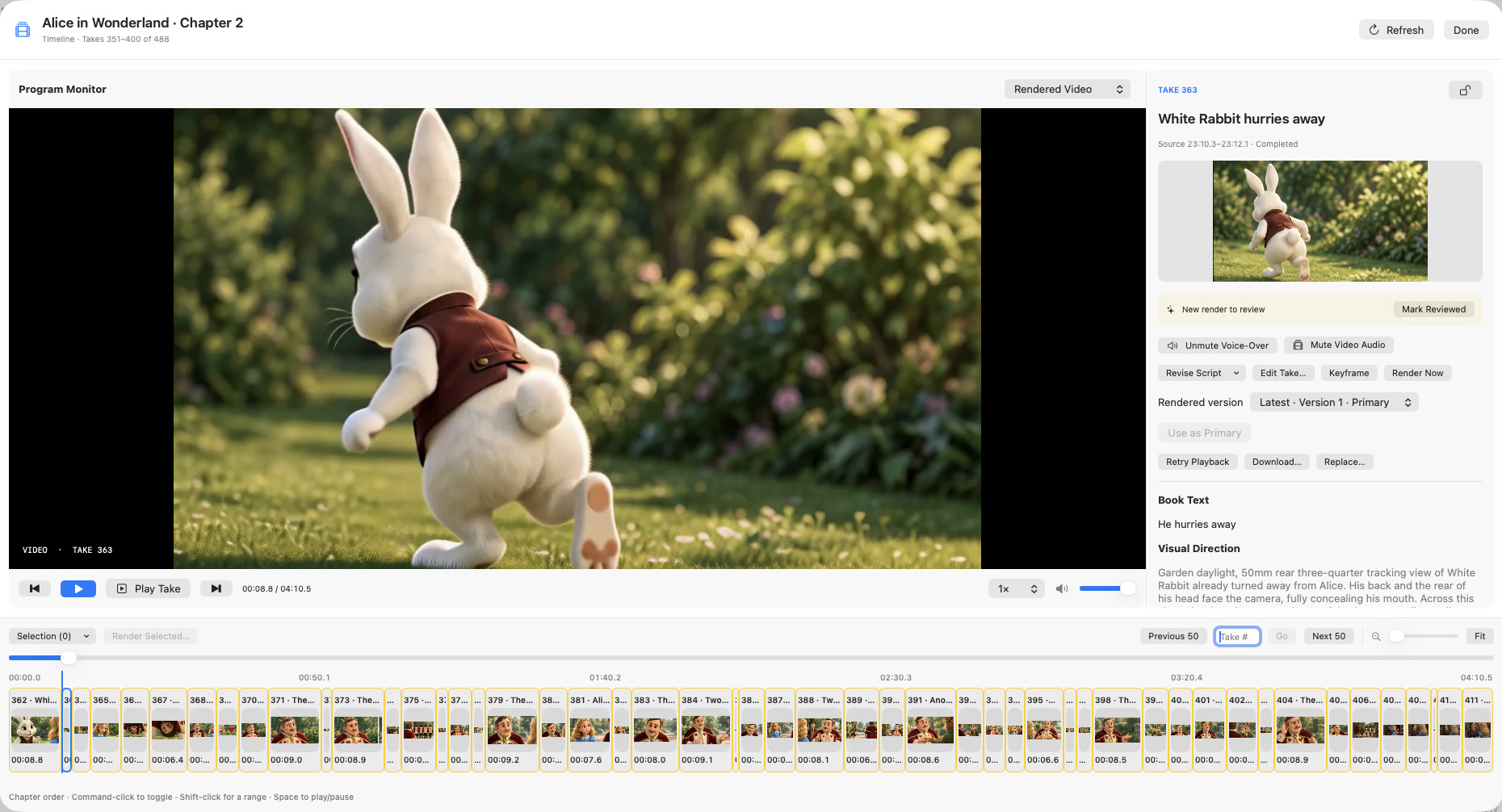
Chapterframe’s optional sound pass adds effects instructions to selected take prompts before rendering. Listen to the resulting video alongside the original voice, then test a short export: Original audio uses the take recording, while Video audio uses the encoded soundtrack with the documented fallback behavior. The export and sound-effects lessons explain these choices so your finished MP4 contains the version you intended.