ai add audio to video
ai add audio to video: decide whether you need a voice to tell the story or effects to describe the space. Chapterframe supports recorded or generated narration and an optional effects pass within its take-based workflow. Those jobs require different inputs. A narration pass needs reviewed words and a suitable performance; an effects pass needs audible events and timing. Generating both without checking either can leave a scene crowded and difficult to follow.
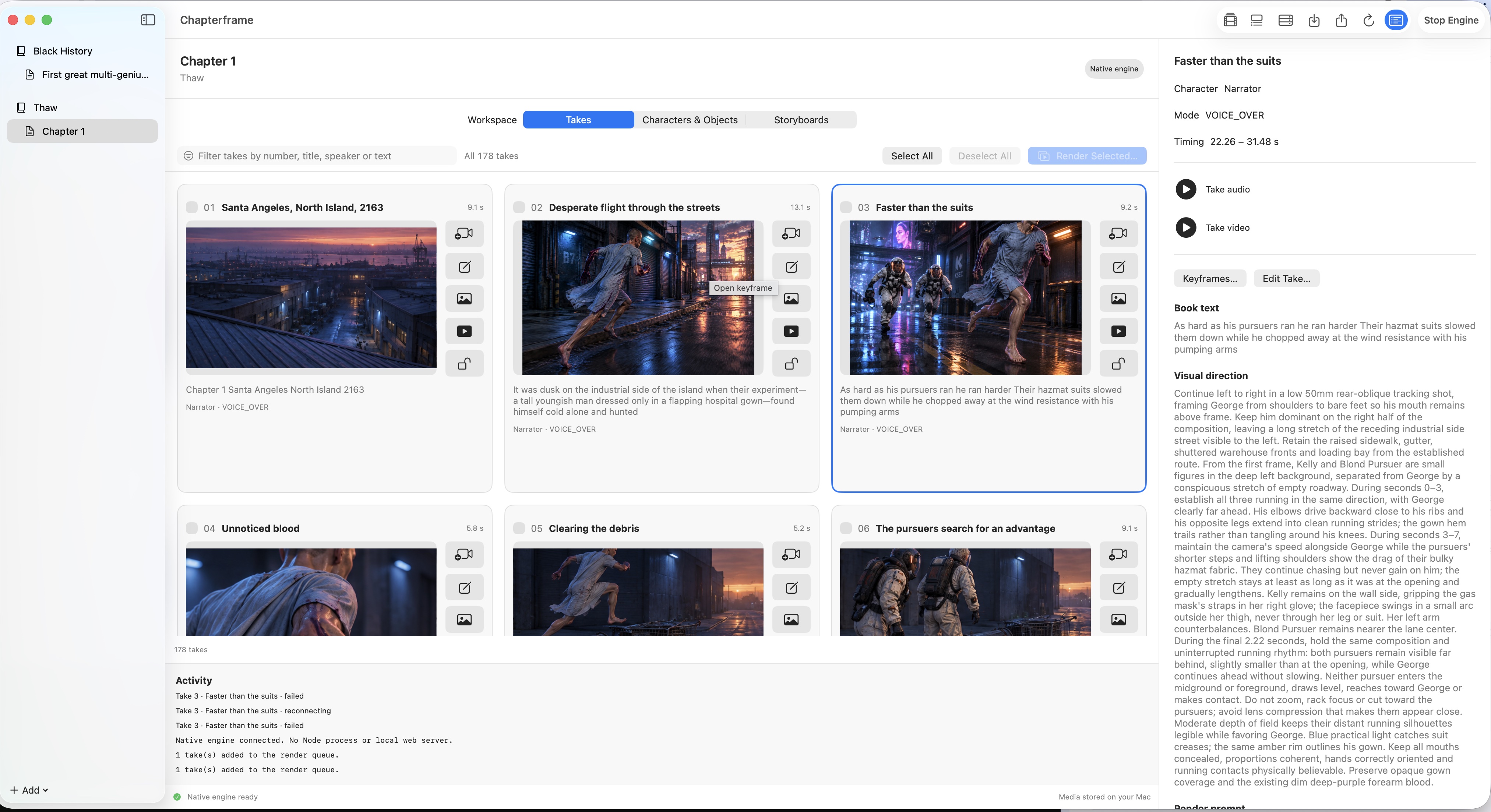
Chapterframe can build timed takes around imported audio or generated narration, then add optional effects through the take-rendering workflow. Check the reading before making a long sequence of images, and review effects beneath that voice after rendering. Start with the chapter-creation and sound lessons; they explain the separate provider setup and review steps rather than promising a universal audio-upload button.