ai add sound to video
ai add sound to video: protect the spoken line first. Chapterframe keeps the source performance available as you review the optional sound added through rendering. A busy background may make a scene feel populated, but it becomes a problem if the viewer misses the sentence that explains the next action. Compare the scene with and without the added sound and keep only the detail that helps the audience follow it.
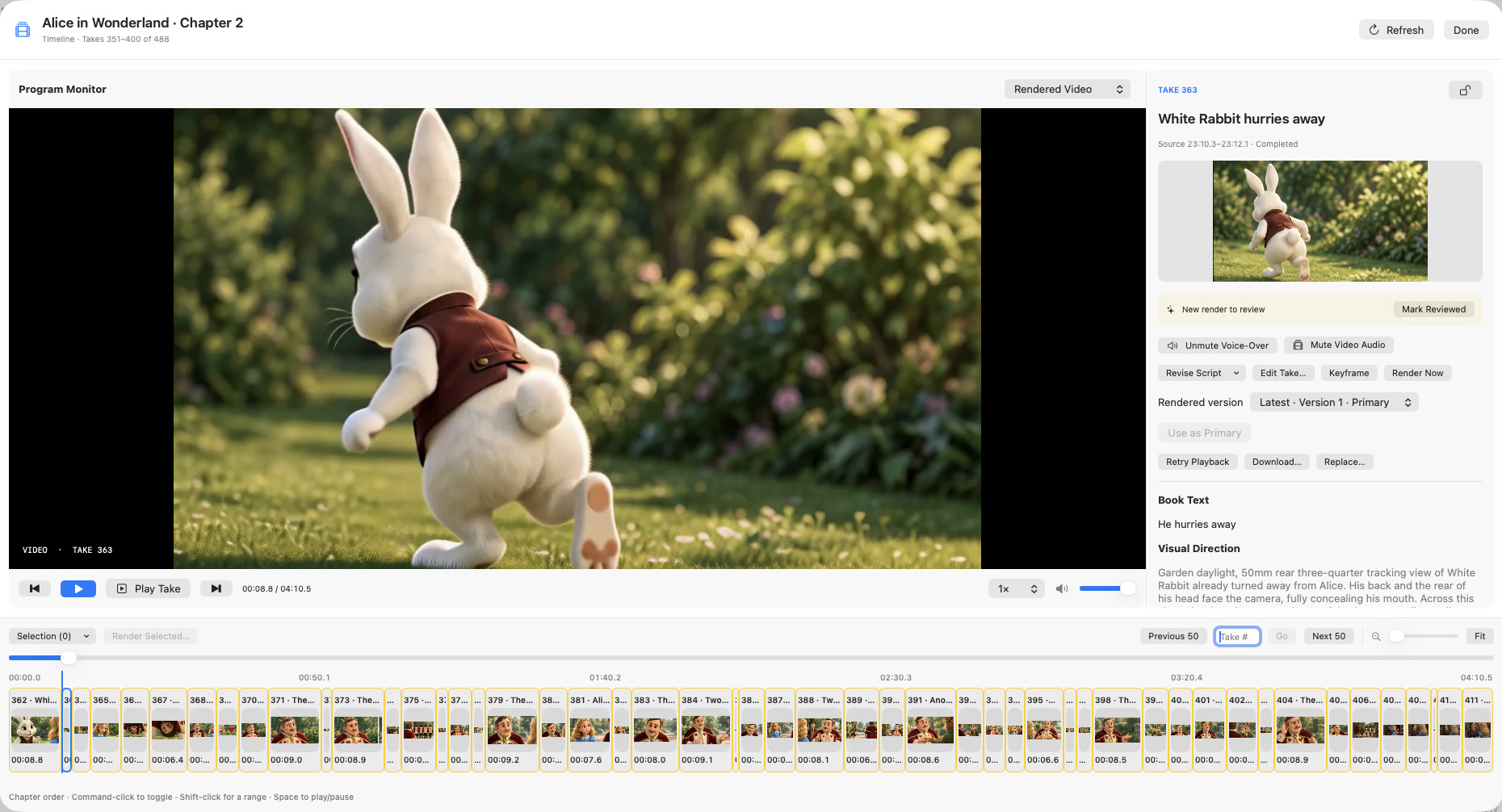
Chapterframe retains the source performance and lets you review voice-over and rendered video audio separately where supported. Its optional sound pass writes effects cues into take prompts before a compatible render, so you can request restrained ambience and inspect the result. Follow the sound-effects lesson and test your export settings; the original recording and the encoded video mix are distinct audio choices.