ai sound for video
ai sound for video: background ambience should help establish the place without competing with the performance. Chapterframe lets you prepare sound cues for the setting and review the rendered audio alongside the voice. A laboratory might need a faint ventilation hum; a nighttime exterior might need only wind. Begin with one continuous sound bed, then add brief effects only where an action needs them. Silence can still be the right choice for a pause.
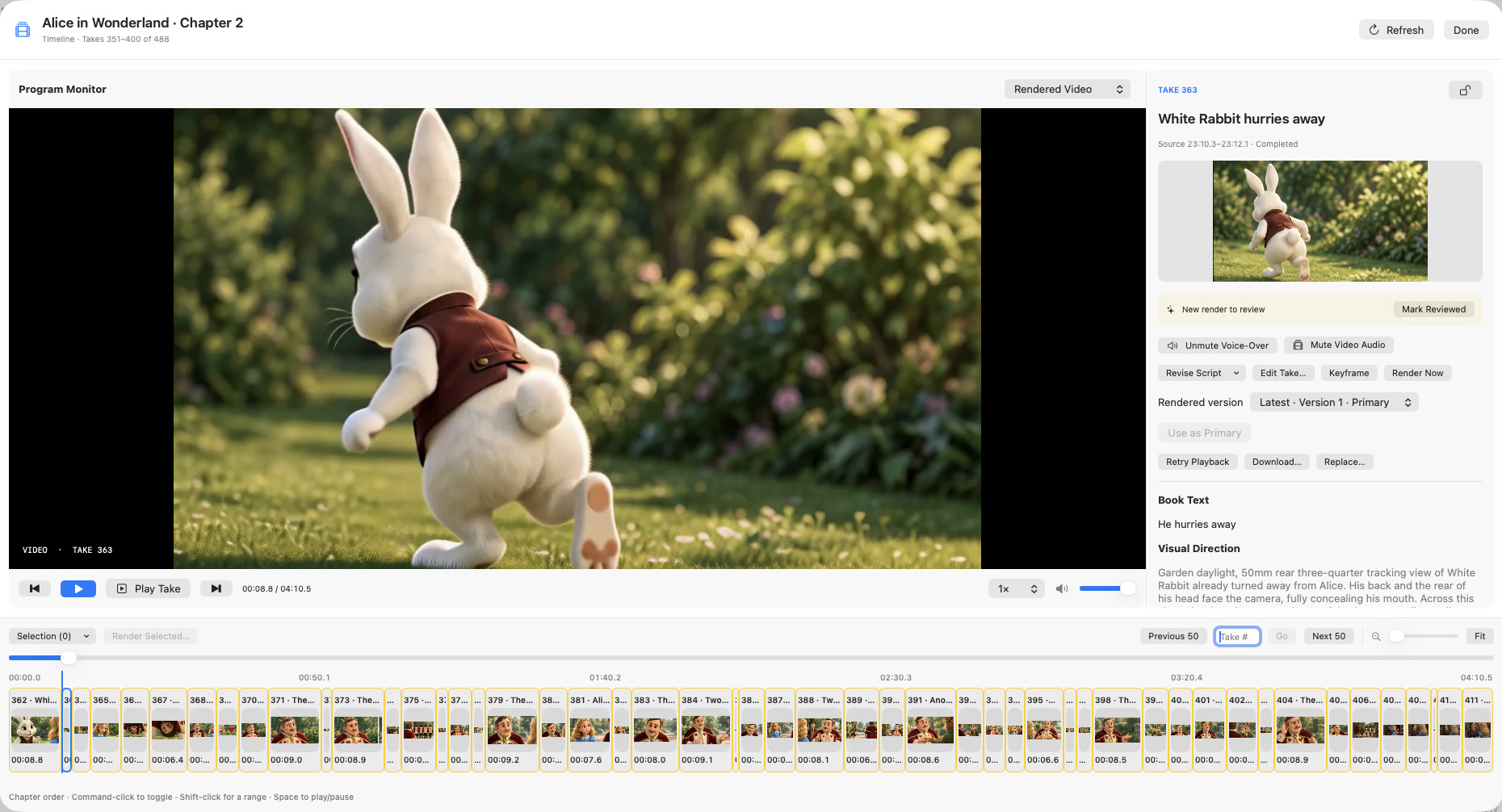
Chapterframe’s optional cue-writing pass draws on take direction, and you can review the saved instructions before a compatible render. Keep cues focused on audible sources rather than asking for a mood or a new score. After rendering, listen beneath the original voice and inspect a short export. The sound-effects lesson explains cue preservation and the separate review of narration and generated audio.