ai that adds sound effects to video easily
ai that adds sound effects to video easily: an easy workflow should make it obvious what will change. Chapterframe lets you start with a selected take, inspect its sound cues and review the rendered result. Begin with one unlocked take and one audible event, such as a latch clicking. Avoid a first test that asks for footsteps, weather, traffic and dialogue at once; if the result fails, you will have little idea which instruction caused the problem.
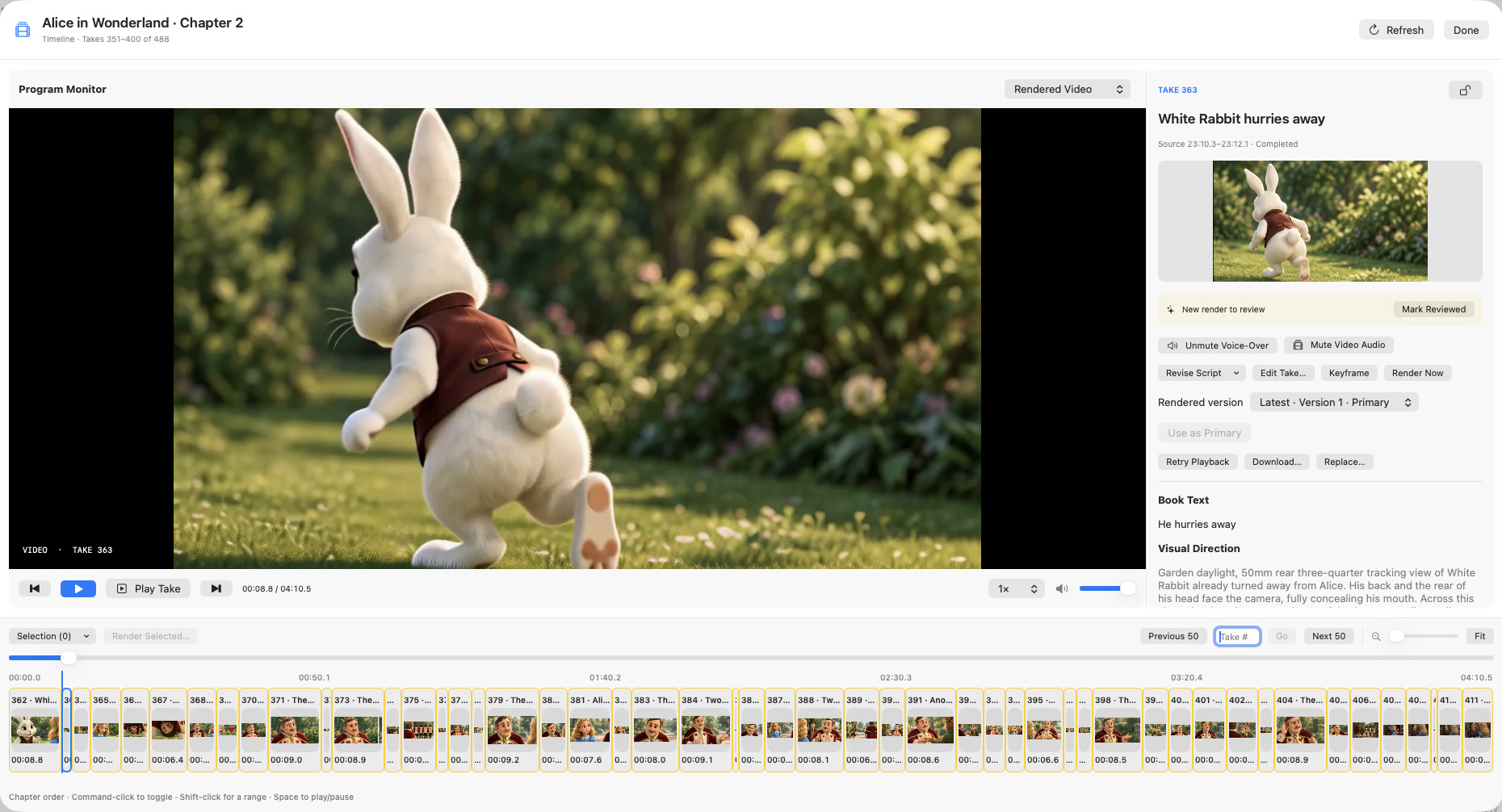
In Chapterframe, Tools → Add Sound Effects offers a cue-writing model or No LLM — generic Foley direction. The generic option avoids a text-model call but still needs a compatible rendering workflow to produce audio. Inspect the saved prompt, render, and compare the audio layers in the Timeline. The sound-effects lesson also covers locked takes, existing cues and local vocal-removal setup.