ai to add audio to video
ai to add audio to video: the right workflow depends on your starting material. Chapterframe supports a story-led workflow with narration, timed takes and optional effects for compatible renders. A script without a performance needs narration or dialogue; a timed take without atmosphere needs effects; a finished silent upload needs an editor or service that accepts that file. Confirm the input and output requirements before choosing a tool based on the word “audio” alone.
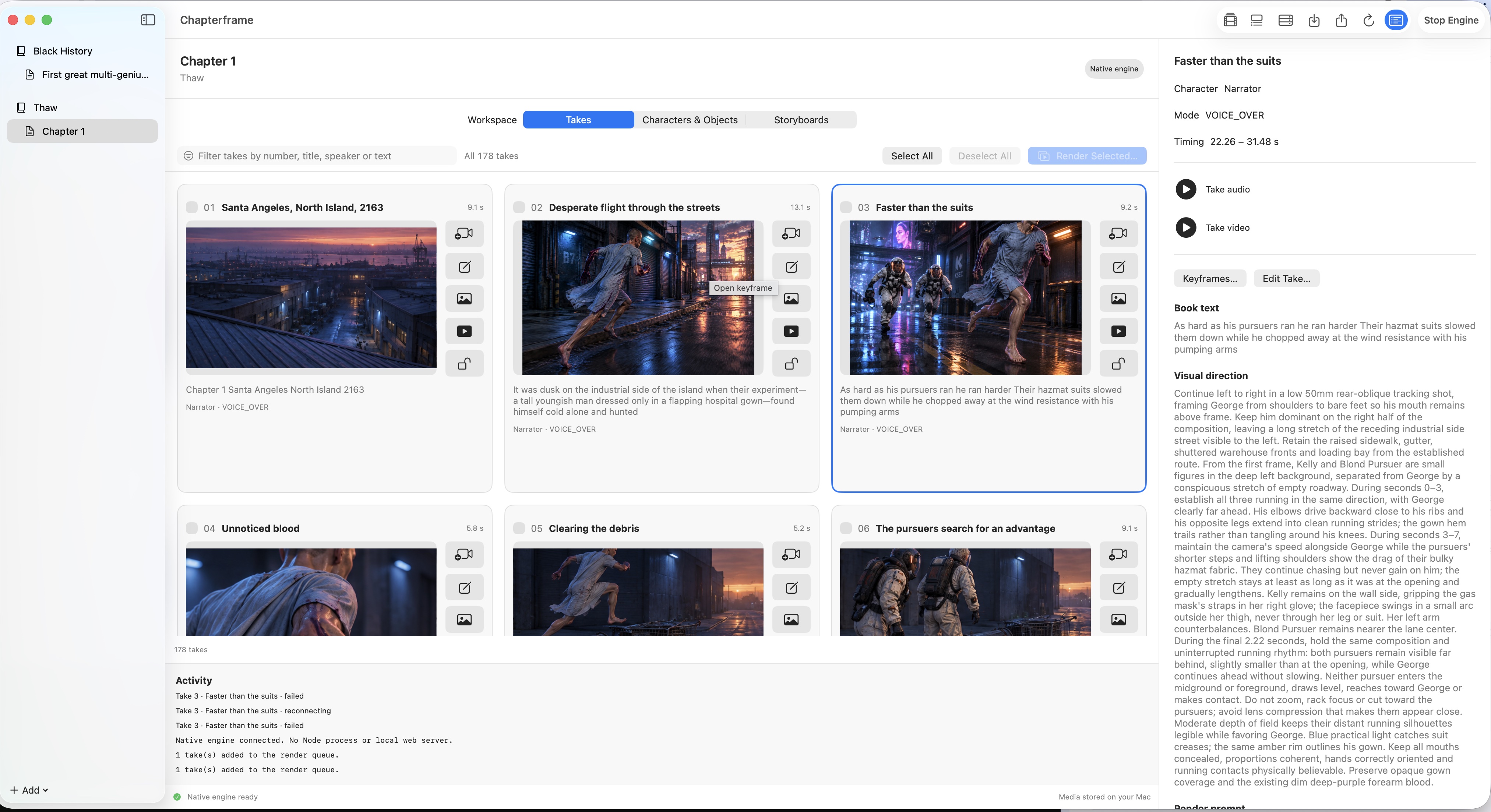
Chapterframe fits a story-production workflow: recorded or generated narration establishes takes, and optional effects instructions guide supported video renders. It keeps the performance and shot direction together so you can judge timing and revise the scene. Start with the audio-led adaptation guide or the chapter-creation lesson. Do not assume that cue generation alone adds a soundtrack to any existing video file.