book to movie ai
book to movie ai: start with a passage whose change can be shown on screen. Chapterframe helps you develop that passage into timed takes with references and editable shot direction. A character deciding to leave might pack a bag, pause at a photograph and put the bag down again. Decide which words remain narration and which become visible action, then review the script for details that reveal too much too soon. A short scene is a useful first adaptation.
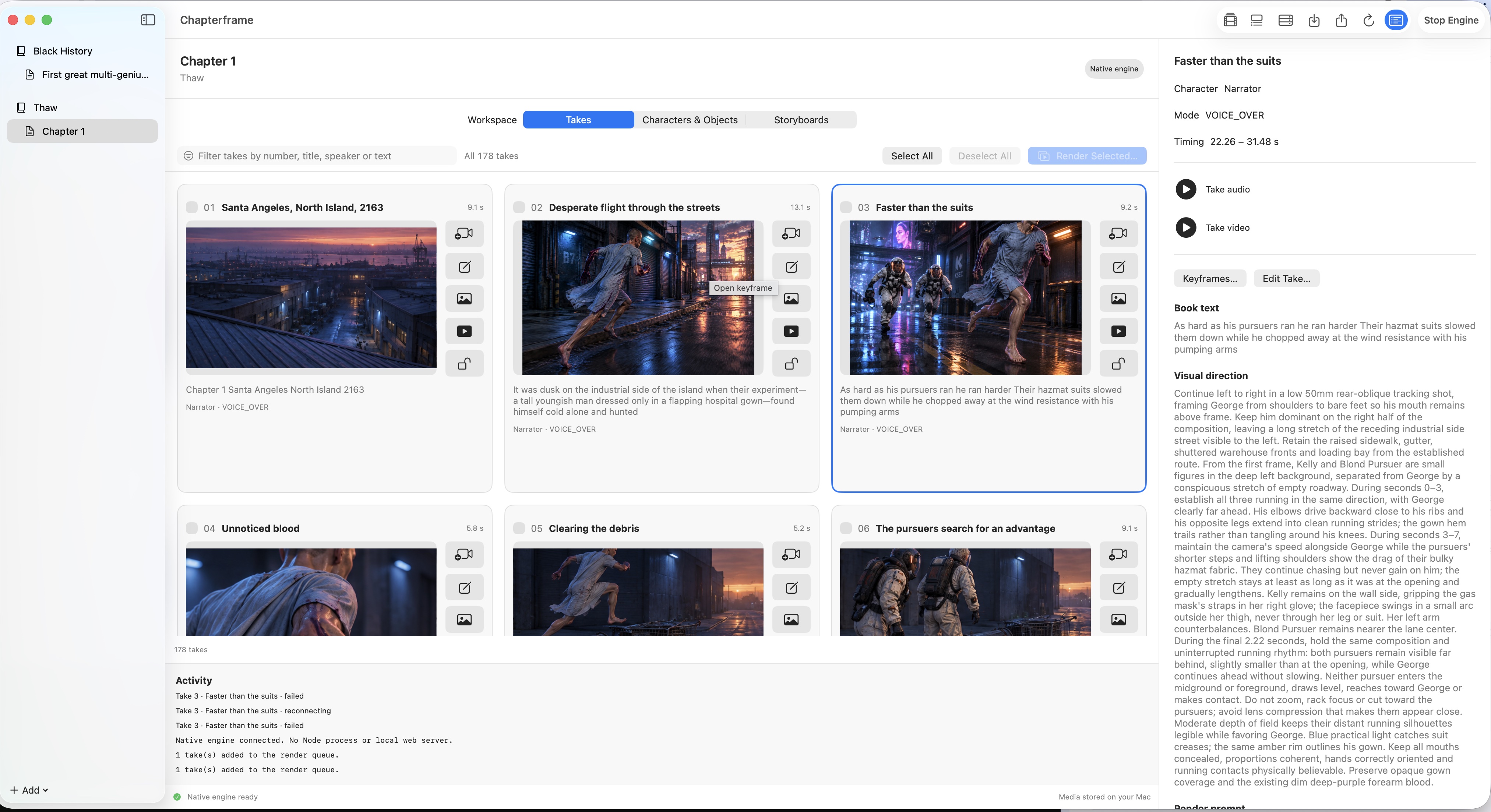
Chapterframe helps turn source material into timed takes, keeps character and object references with the project, and lets you revise individual shots before rendering. Use Stage for difficult entrances or camera positions, then review the sequence with the voice in the Timeline. Explore a sample chapter or the existing films, and try Chapterframe for Mac with your own scene. AI provider and GPU costs are separate from app access.