how to add ai audio to video
how to add ai audio to video: when the missing audio is narration, review the words first and generate a short reading before the full chapter. Chapterframe supports generated narration during chapter preparation, giving the visual takes a performance to follow. Listen for names, punctuation and pauses that change meaning. The duration of that performance affects how much action each shot can hold, so replacing it late can create work across the sequence.
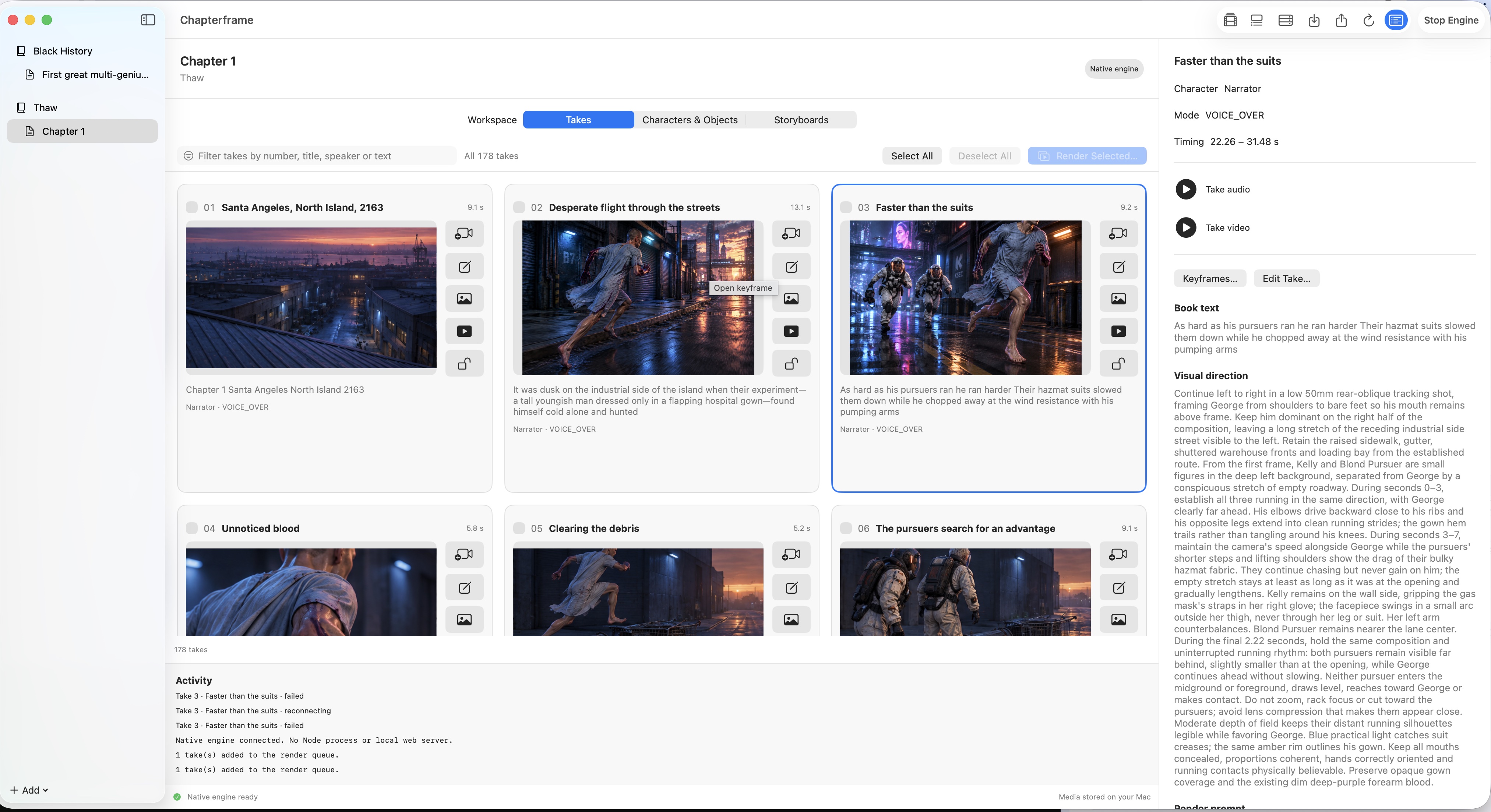
Chapterframe lets you choose recorded audio or generated narration when preparing chapter material, then builds timed takes for visual development. Add optional sound cues afterward where the scene benefits from them and review the result against the reading. Follow the chapter-creation lesson before the effects lesson, and keep provider usage charges separate from the app when budgeting your first test.