how to add ai sound in video
how to add ai sound in video: if you have added sound instructions but still hear only narration, check the whole workflow. Chapterframe’s sound workflow connects cue preparation, compatible rendering and local audio finishing. A written cue is not an audio file, the selected render route must support the requested sound, and local finishing may still be running after the remote job completes. Judge the finished take rather than the prompt alone.
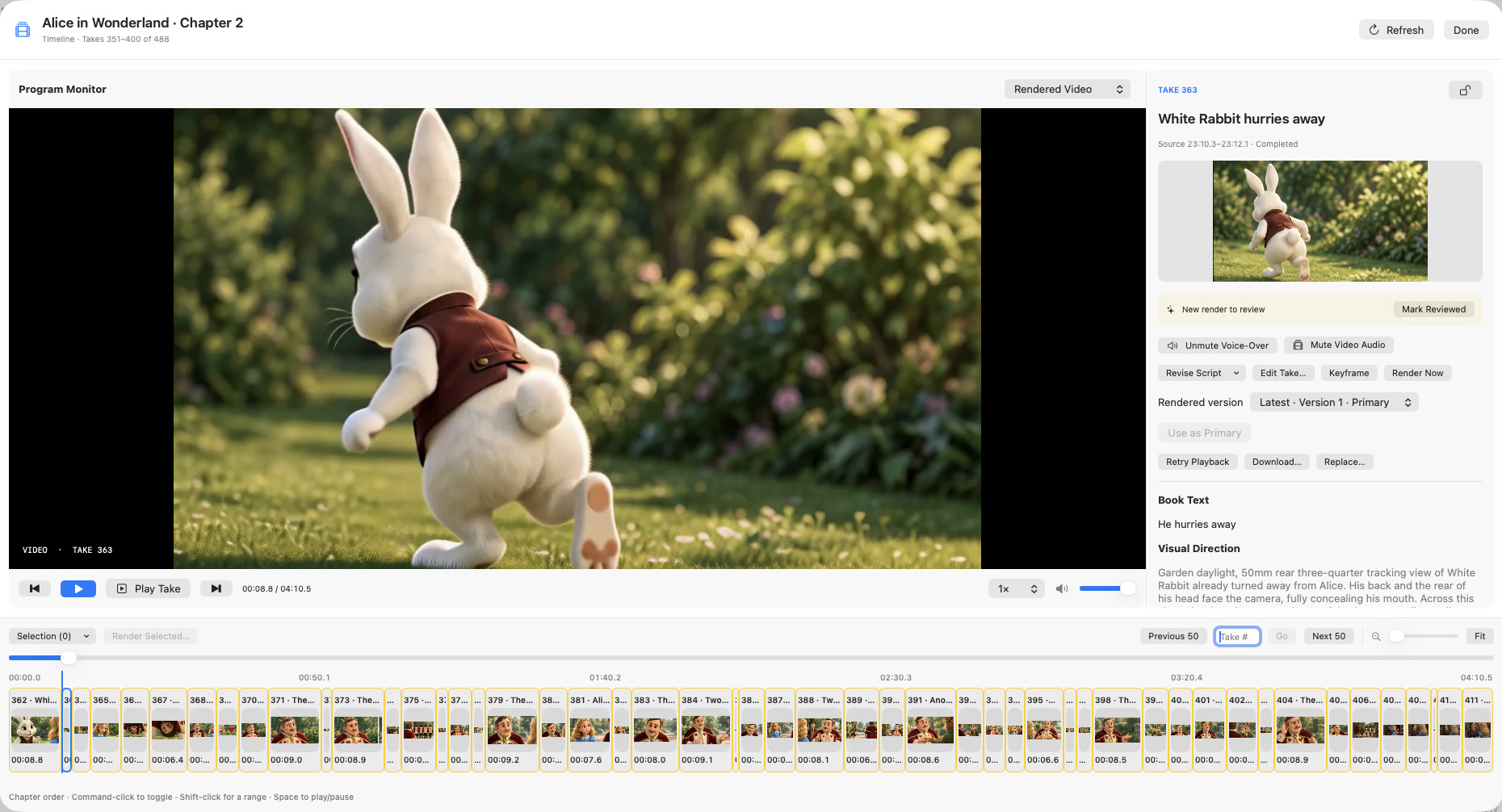
Chapterframe adds cue blocks before rendering and uses local vocal removal in its documented non-lip-sync effects workflow. That setup can require several gigabytes; without it, those takes finish with the recording alone. Follow the sound-effects and render-queue lessons, then compare voice-over and video audio in the Timeline. Test a short export with Video audio if you want to hear the encoded effects mix.