add ai audio to video
add ai audio to video: timing matters as much as the sound itself. Chapterframe keeps sound cues with timed takes so you can review their instructions against the planned action. A door slam that arrives before the door moves makes the shot feel wrong, even if the recording is convincing. Start with a short take and describe a continuous background separately from any brief event, so you can judge both against the picture.
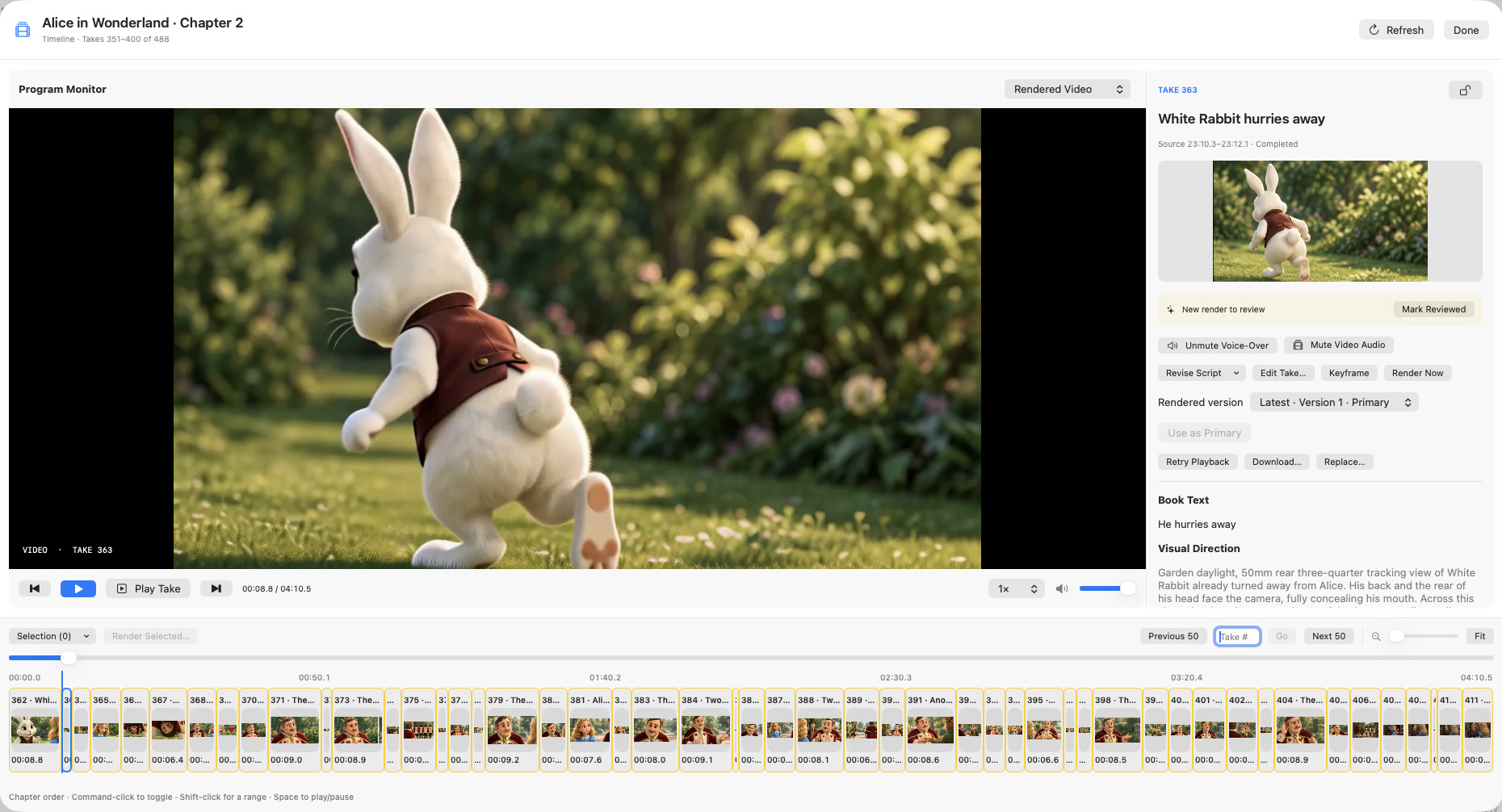
Chapterframe saves sound cues with the take and includes them in the prompt for a compatible video render. You can review the result beside the original take audio in the Timeline and revisit the cue if the timing misses. This requires another render when you change the prompt. Follow the sound workflow and export a short test before committing to a full scene.