add audio to silent video ai
add audio to silent video ai: a silent shot needs a sound decision before it needs a louder soundtrack. Chapterframe helps you plan optional sound cues for silent takes before rendering them with a compatible workflow. A corridor might need footsteps and ventilation; a reaction shot might work with room tone alone. Write down what the audience should hear and when. If you already have a finished silent file, distinguish adding a soundtrack in an editor from regenerating a take with sound.
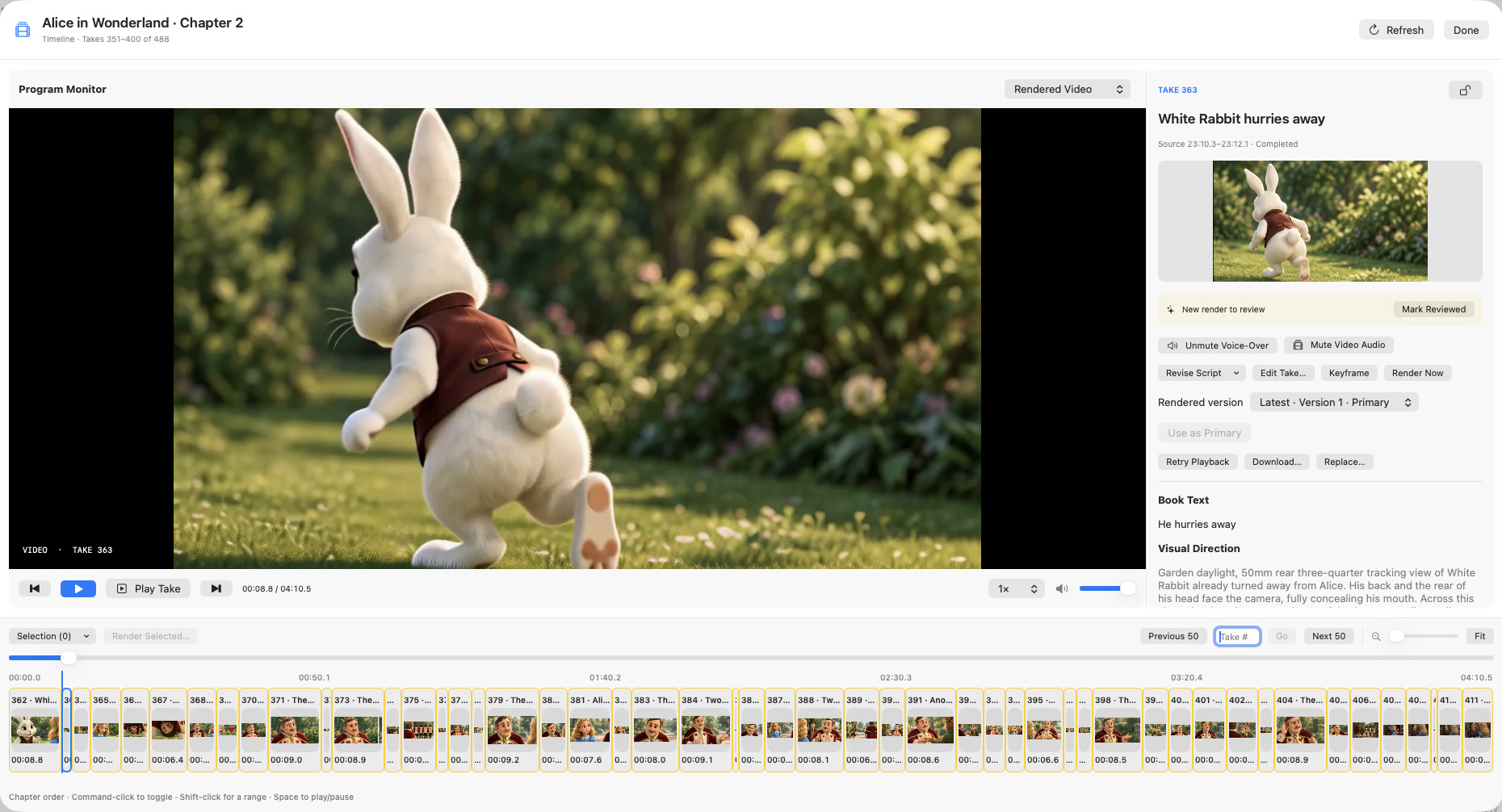
Chapterframe supports the second workflow through Tools → Add Sound Effects: it writes sound cues into selected take prompts before rendering with a compatible workflow. Review the cues, render a test take, and listen in the Timeline with the original performance. Changing a prompt does not alter an existing video. The sound-effects guide explains the workflow and its audio-layer controls.