add audio to video ai
add audio to video ai: define which soundtrack should survive the export before generating more media. Chapterframe keeps the recorded performance available while you review the audio produced with a rendered take. A take can have a recorded performance and sound from the video renderer, and those tracks may tell different stories if the renderer invents a voice. Listen to each layer so that a convincing picture does not hide the wrong spoken words.
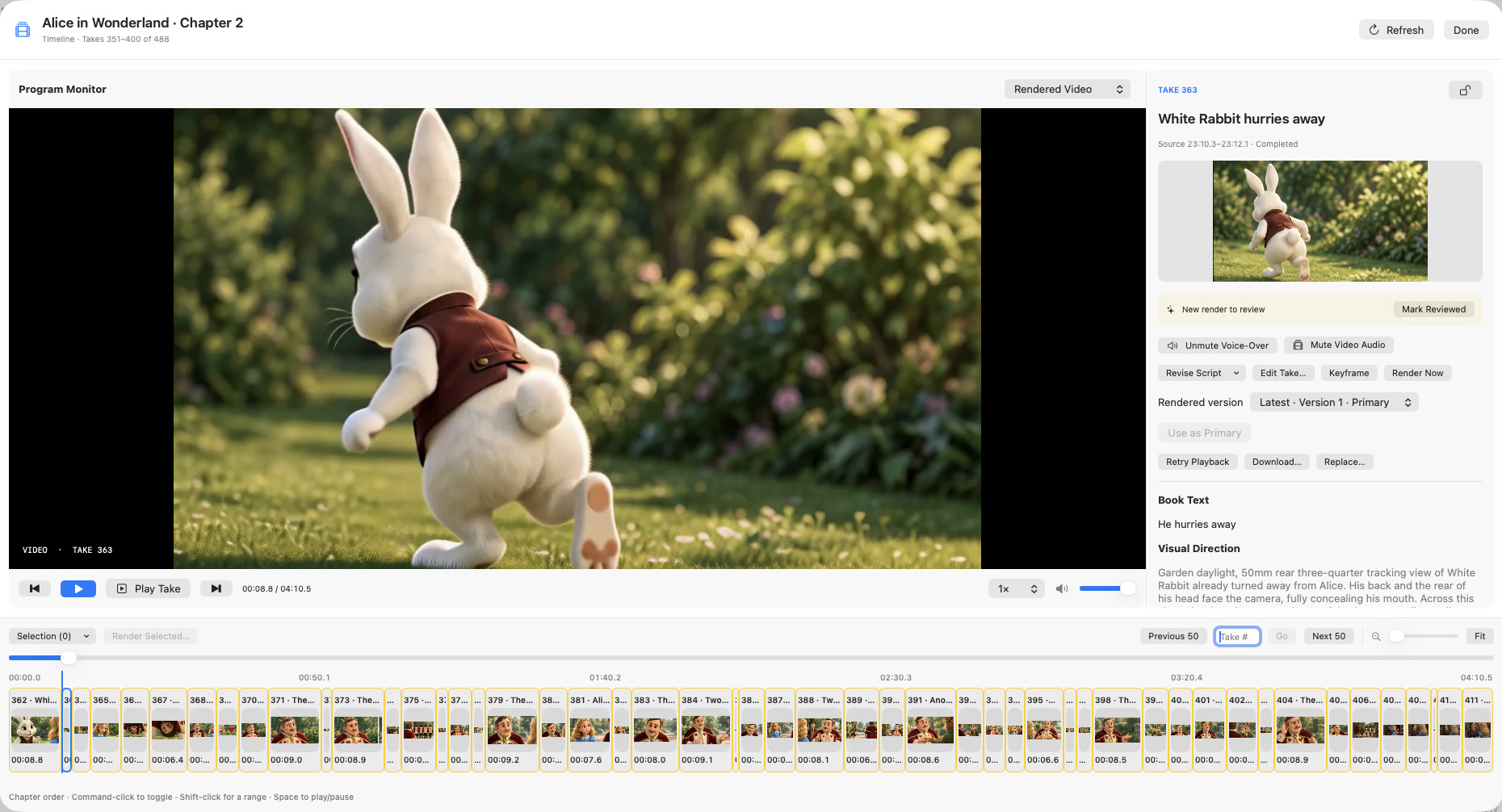
Chapterframe preserves the source performance and provides separate playback controls for voice-over and video audio where available. Optional sound cues guide compatible renders; local vocal removal is part of the documented non-lip-sync effects workflow and requires setup. Review the sound guide, then export a short range with the intended audio-source setting and listen to the MP4 itself.