add sfx to video ai
add sfx to video ai: SFX means sound effects, and a short impact is a useful first test. Chapterframe lets you prepare a timed effects cue and review a compatible render against the action. In a scene where a book lands on a desk, ask for the contact sound at the appropriate point rather than a general dramatic soundtrack. Watch the action at normal speed to judge whether the effect arrives with the picture.
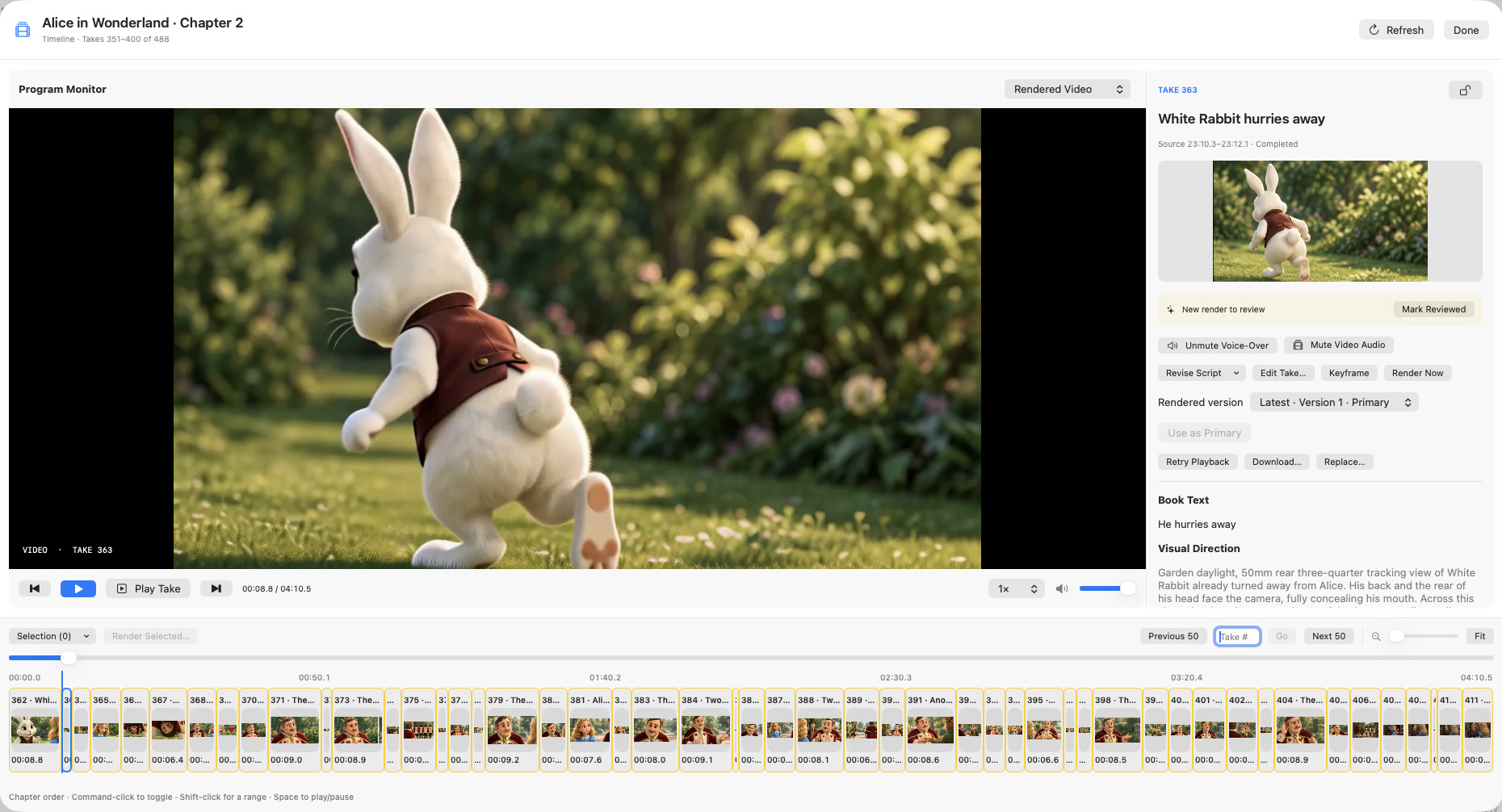
Chapterframe can add timed effects cues to a selected take’s render prompt. Review the generated result in the Timeline, keeping the recorded voice audible and listening for extra events the model invented. If the cue needs changing, revise it and render again; the saved prompt cannot repair the existing file by itself. The sound-effects guide covers the full pass.