add sound effect to video ai
add sound effect to video ai: a single effect is often enough to make a shot understandable. Chapterframe lets you focus an optional effects pass on the take that needs that sound. Consider a character turning a key: the small mechanical click tells the viewer that the lock has moved, while an unrelated crash or musical sting adds information the scene never supplied. Write the cue around the actual audible event.
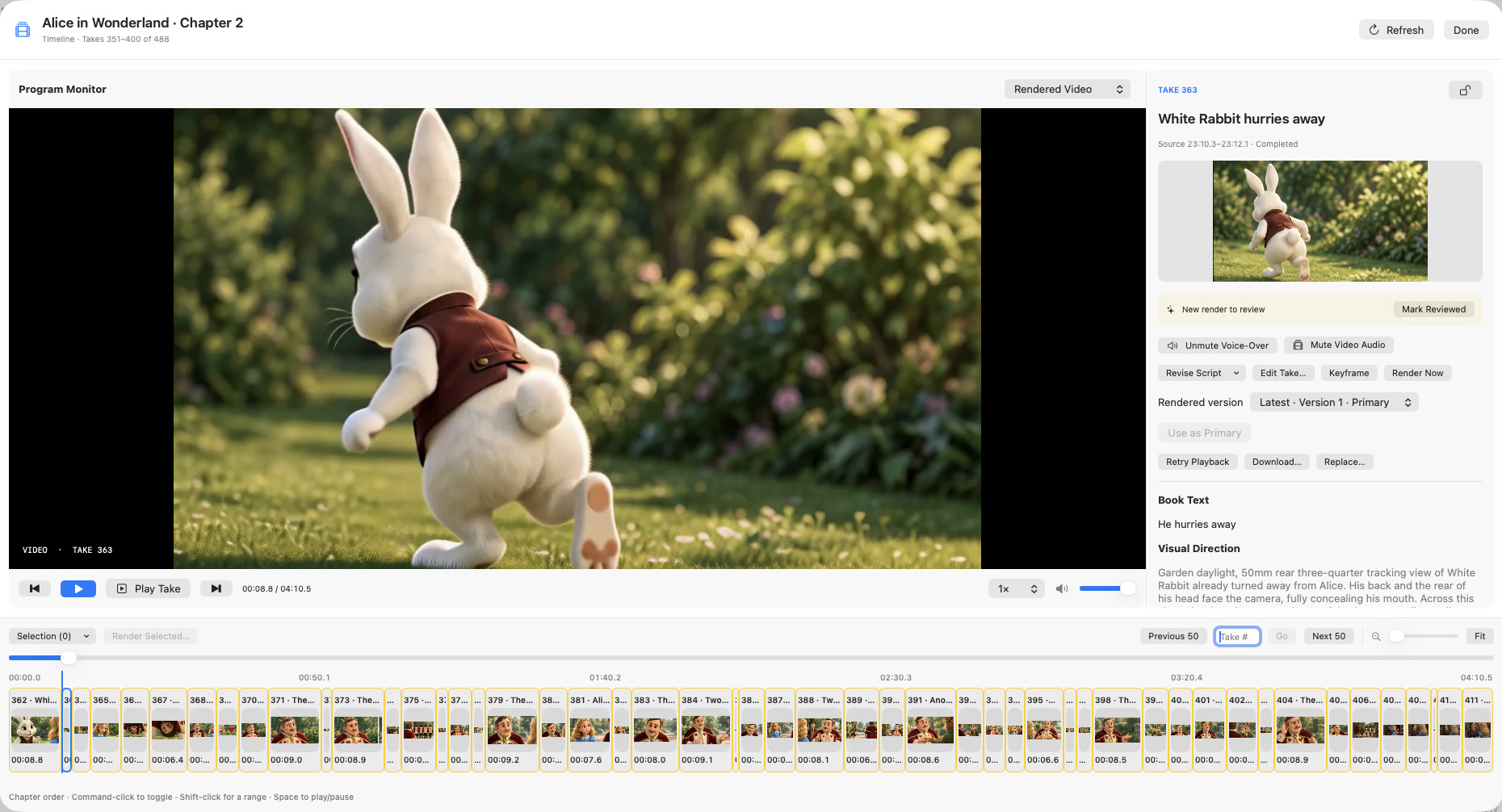
In Chapterframe, prepare the selected take with Tools → Add Sound Effects and review the cue before rendering. Preserve other takes’ existing cues while you test this one. Listen to the result alongside the source recording, then choose whether the effect improves the sequence. The sound guide explains why changing effects instructions requires a new render rather than altering an already finished clip.