ai add sound effects to video
ai add sound effects to video: the useful question is which sounds belong in this particular shot. Chapterframe uses take direction to help write sound cues that you can inspect before rendering. A model may suggest a busy street because the story mentions a city, even though the camera is inside a quiet apartment. Keep the written direction specific about the sounds the scene actually needs, especially when the image leaves their source off screen.
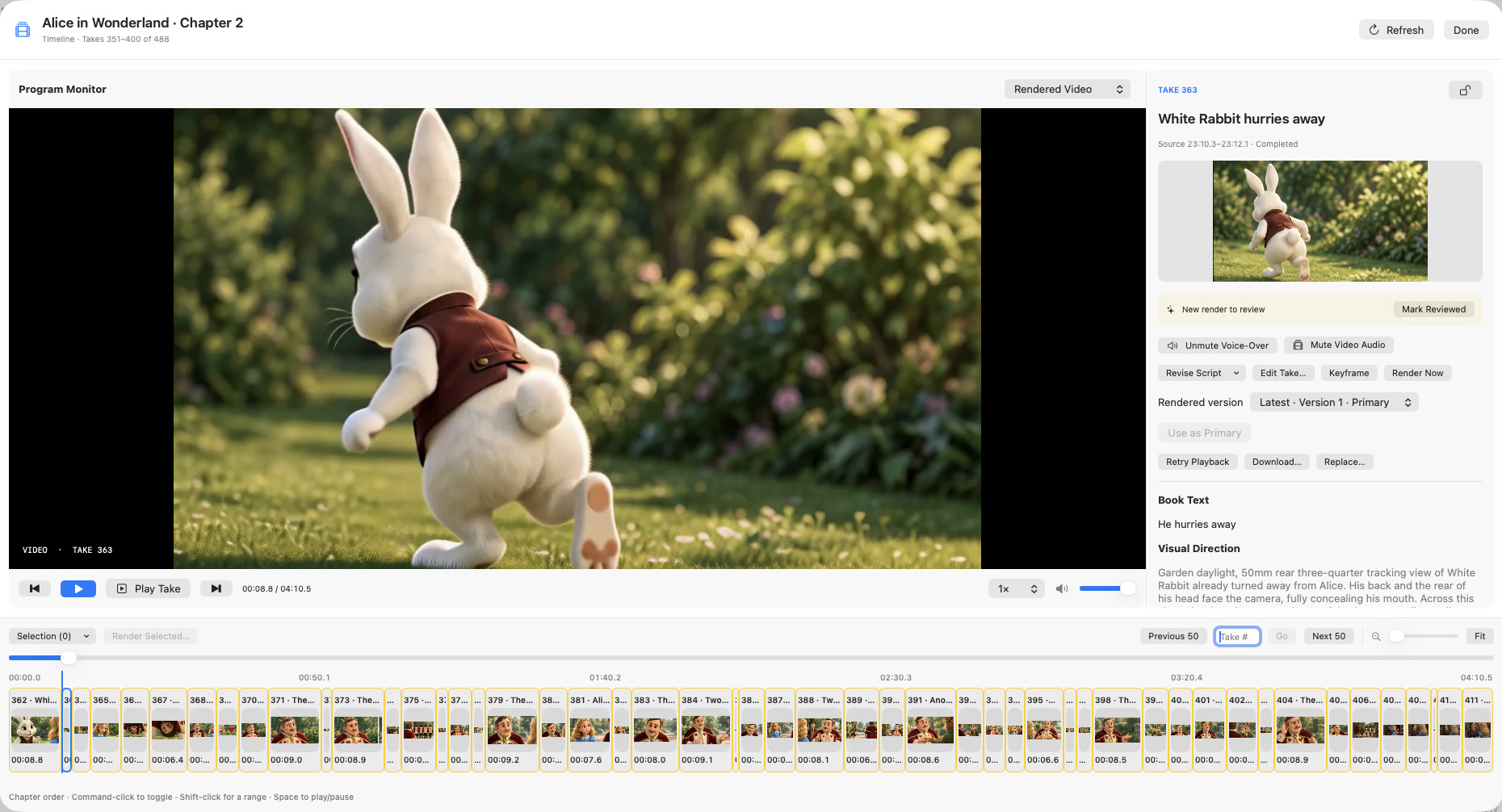
Chapterframe can write scene-specific cues for selected takes and save them into the render prompt. Leave rewriting disabled when you want to preserve cues you have already edited. After a compatible render finishes, listen for invented speech or distracting effects before accepting it. The existing sound guide covers preserving the recorded performance while reviewing this extra layer.