ai auto framing
ai auto framing: first decide whether you mean composing a new shot or cropping an existing video to follow a subject. Chapterframe Stage helps you plan a new shot’s composition and inspect it before final rendering. Those are different tasks. For a new shot, specify who must remain visible, where the important action happens and what the audience should not see yet. A centered face is not always the composition the story needs.
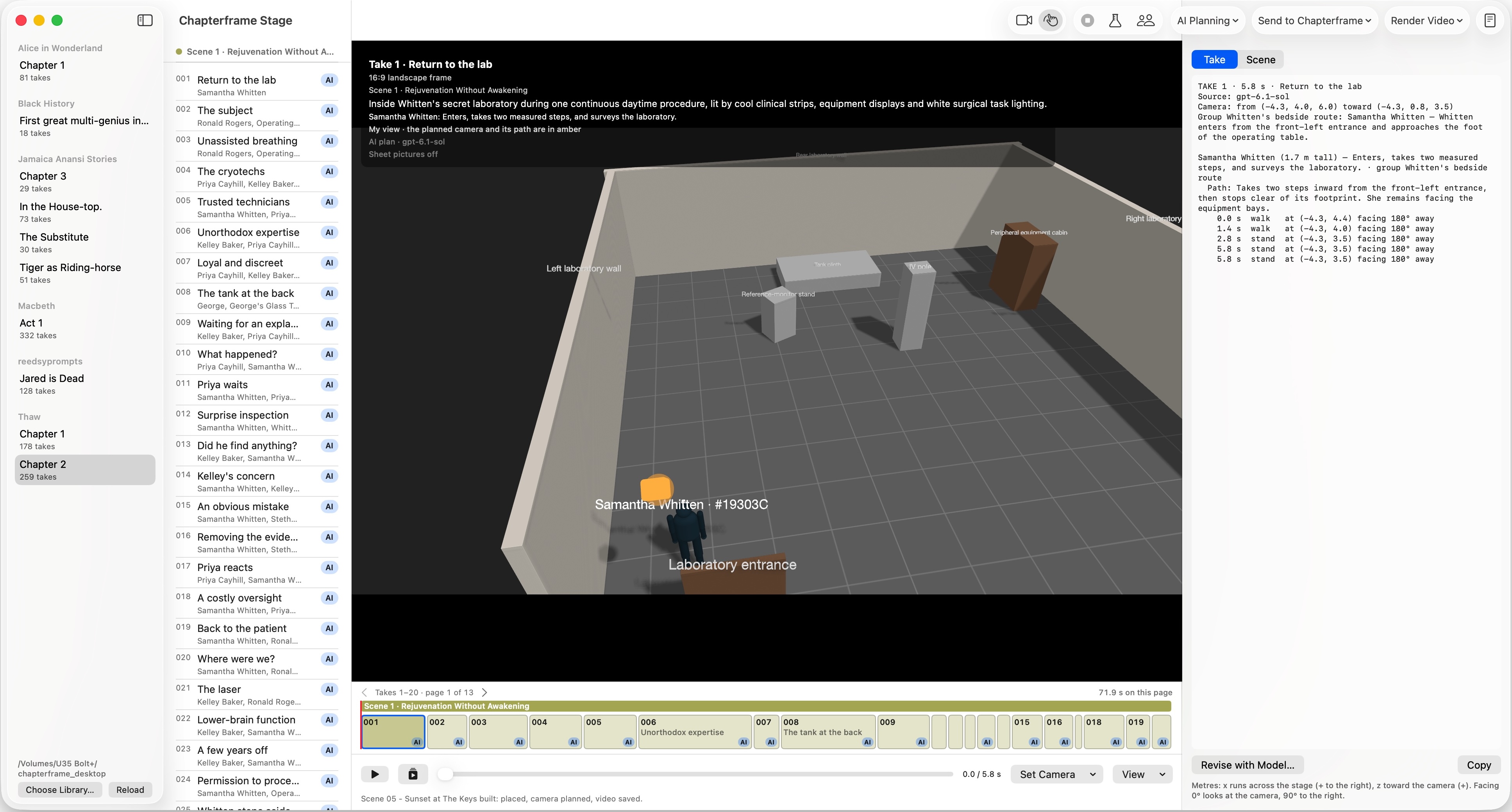
Chapterframe’s take direction and Stage planning support the composition of generated scenes. Inspect the planned camera with simplified characters, then review keyframes and motion for clipped hands, hidden objects or a reveal that happens too soon. This is not a claim of automatic subject-tracking crops for arbitrary uploaded footage. The Stage guide shows how framing fits into the broader production workflow.