from script to storyboard
from script to storyboard: give each storyboard image a job. Chapterframe connects source text, take direction and generated keyframes so you can review each image’s purpose. In a scene where someone hides a letter, one frame may establish the room, another show the approaching visitor, and a third conceal the letter before the visitor enters. The panels should explain the action in order, rather than repeat the same attractive composition.
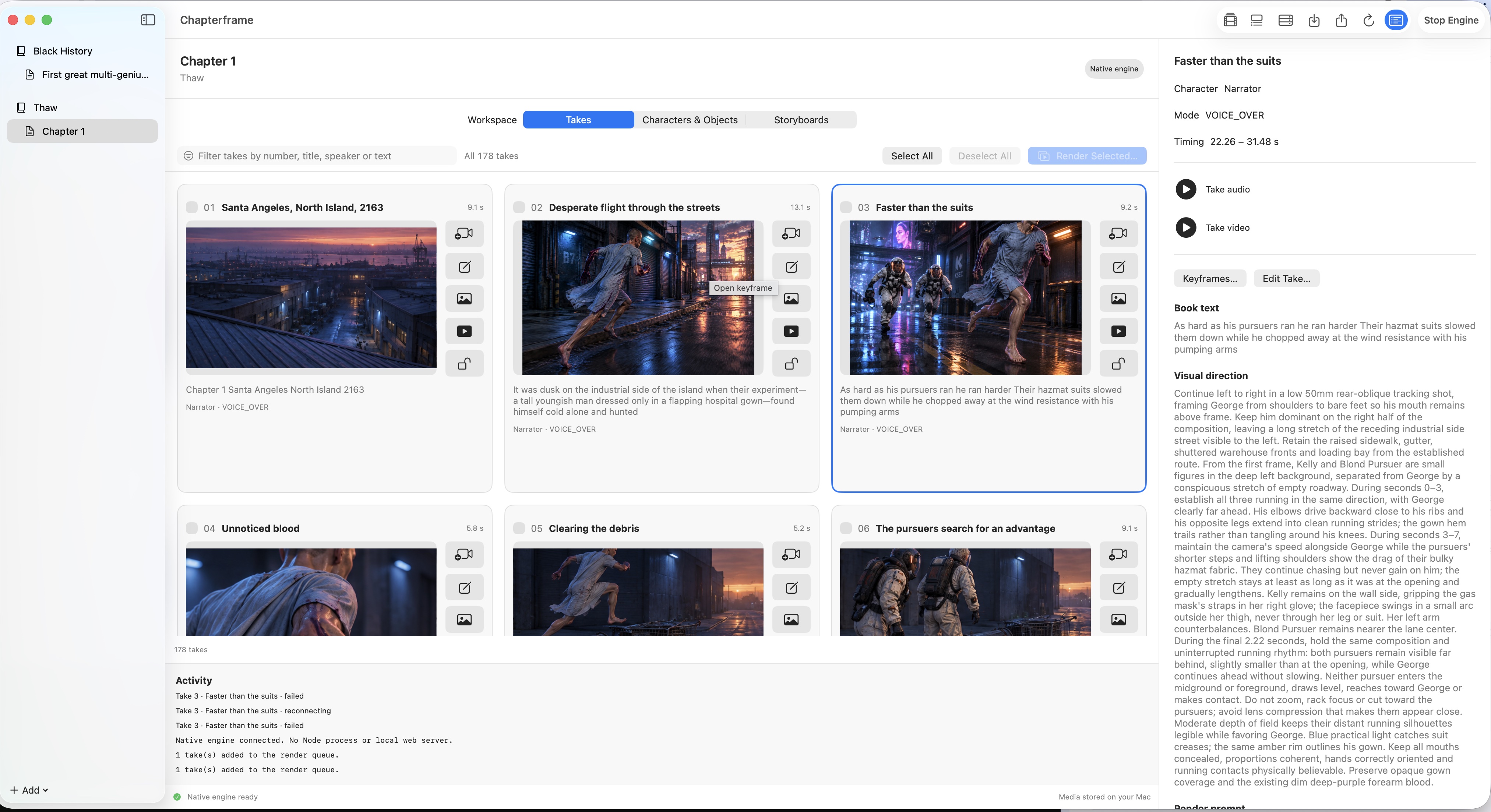
Chapterframe keeps source text and visual direction with timed takes, while character and object references guide the generated keyframes. Review those images together and use Stage if an entrance or line of sight is unclear. Only move to video once the sequence communicates the intended action. The script-to-storyboard guide expands the workflow, and the sample chapters show its organization in the app.