render farm cost
render farm cost: the bill depends on how long resources remain allocated, how fast the chosen workflow runs and what other charges apply. Chapterframe helps you compare rental offers and track the takes submitted to compatible servers. Model downloads, idle gaps and rejected takes can all affect a scene’s cost. Write down the intended batch before renting, and measure a short run with the settings you plan to keep.
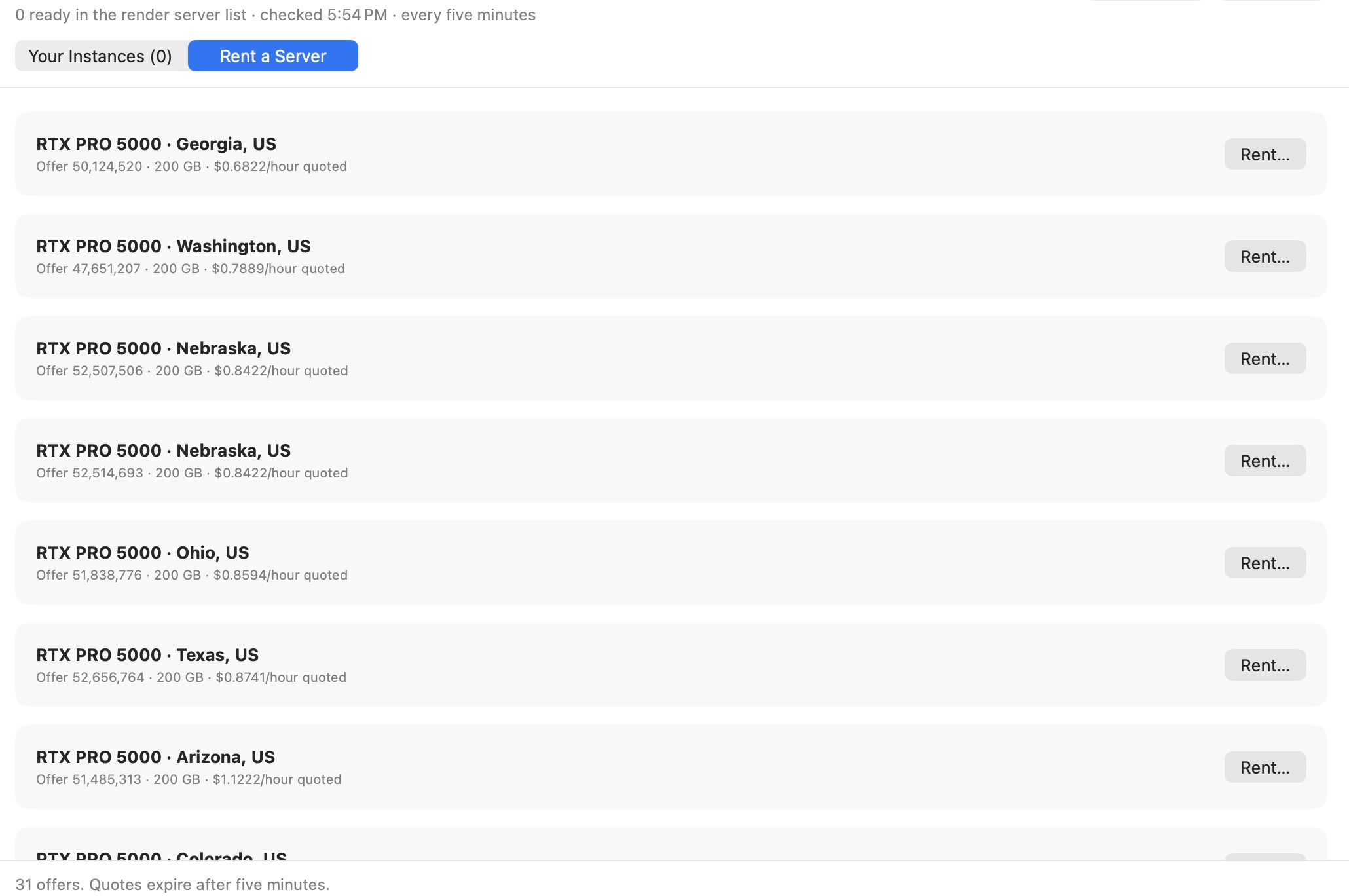
Chapterframe’s rental browser helps you compare GPU offers, and its queue tracks work submitted to compatible servers. Review take prompts before starting the rental and check running instances and retained storage when the batch is finished. Use the rendering calculator for planning assumptions and the farm workflow guide for setup context. Current provider terms and your measured results determine the actual bill.