turn book into ai movie
turn book into ai movie: choose what the adaptation must preserve before generating the cast. Chapterframe keeps character and object references with the project so you can check those details across takes. A distinctive coat, a concealed letter or a scar may carry information that later scenes depend on. Make those details explicit in the script and references, then check that the images show them at the right moment rather than introducing them early.
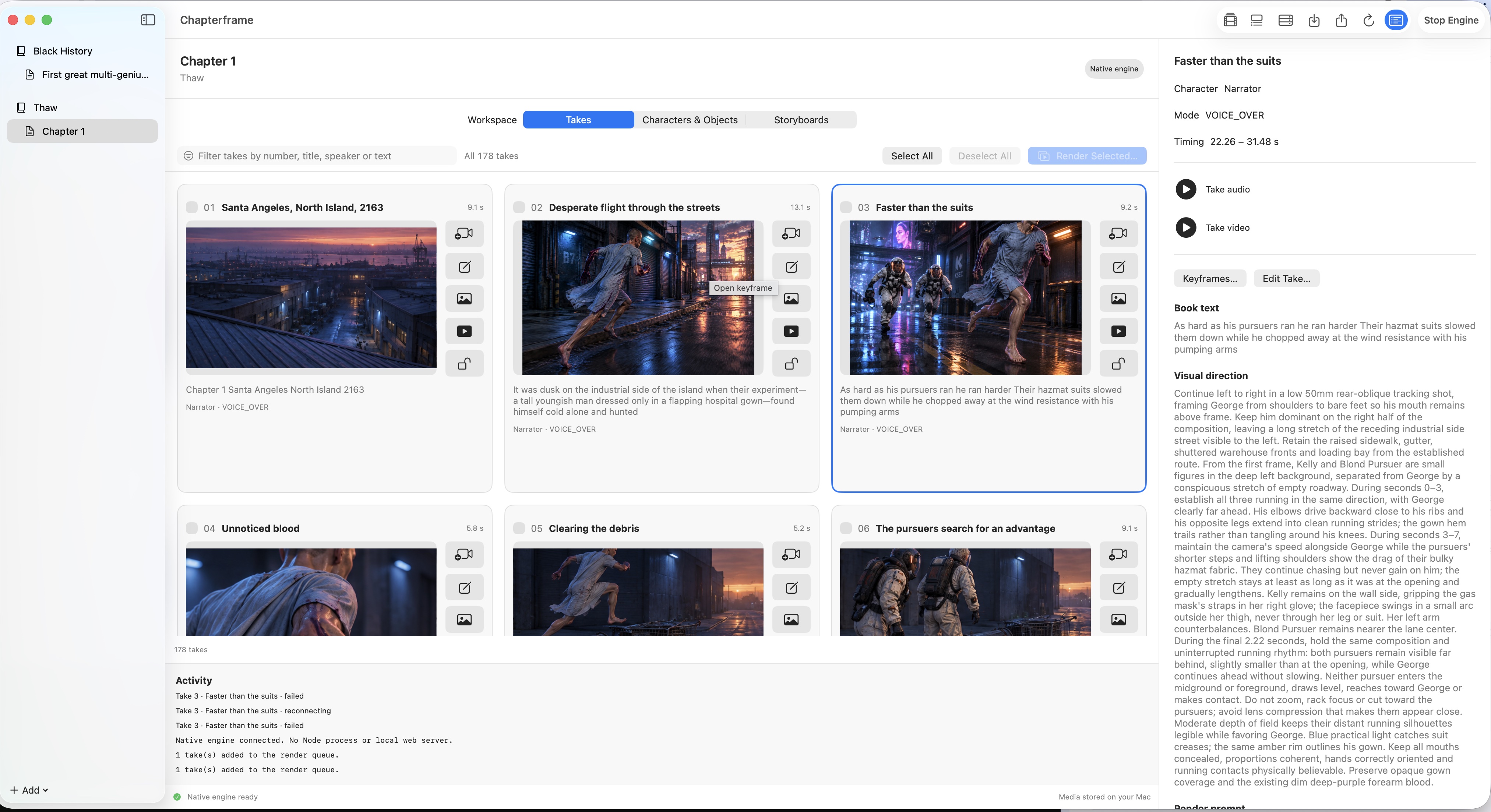
Chapterframe keeps character and object references alongside the takes that need them. Review the keyframes before video generation and compare neighboring shots for changes in appearance. For scenes with movement, use Stage to rehearse who can see the important object. The book adaptation guide and sample chapters provide a starting point for testing one passage before a whole book.