video sound ai
video sound ai: sound can expose a bad cut that the pictures almost conceal. Chapterframe’s Timeline helps you listen across neighboring takes while reviewing the sequence. A room’s background may jump abruptly between takes, or an effect may continue after its source has disappeared. Listen across two neighboring shots without stopping, and check whether the audio makes them feel like one place and one moment.
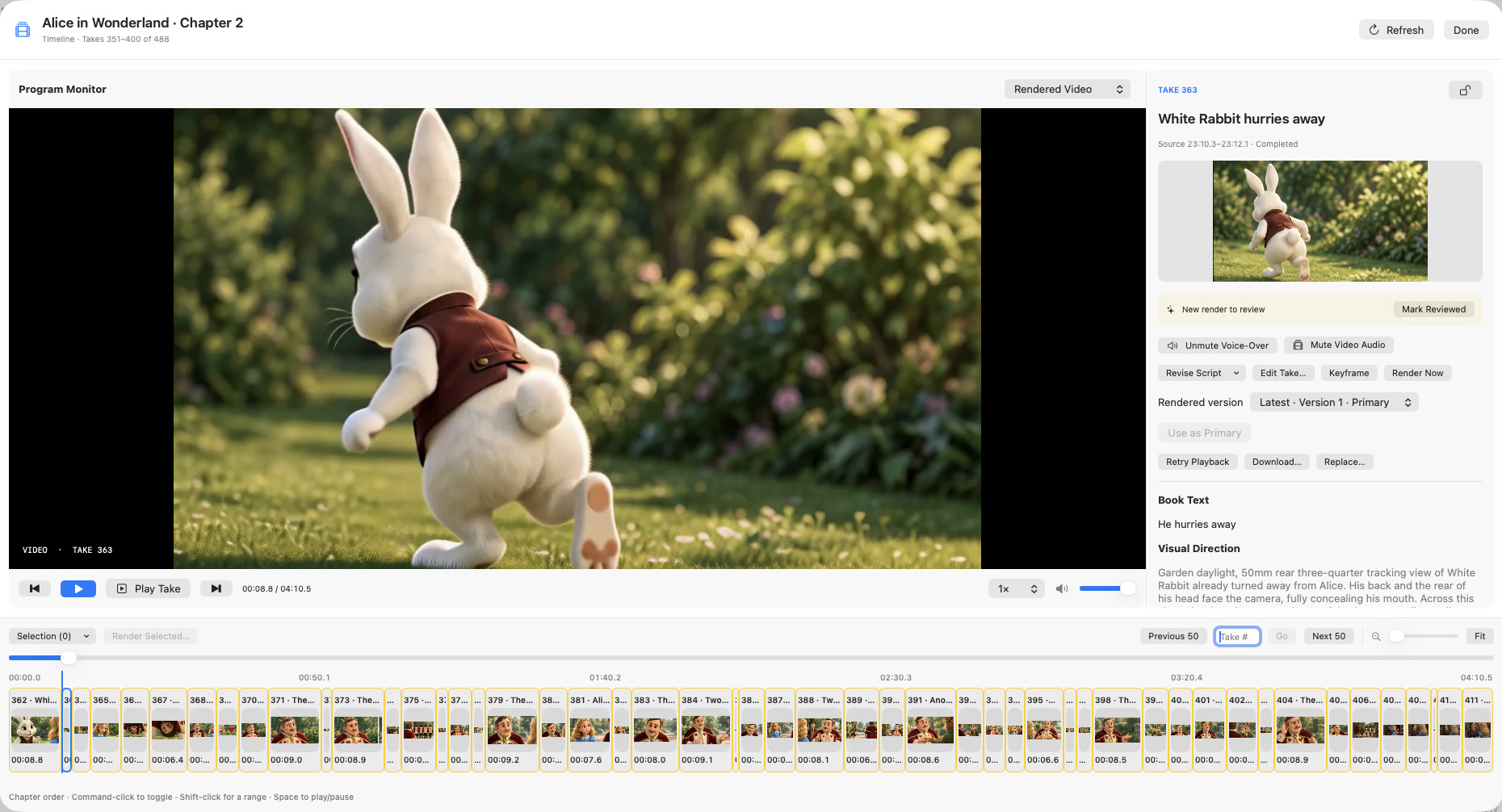
Chapterframe’s Timeline gives you a sequence view for that review, with take direction and audio controls beside the picture. Use optional effects cues to state the sounds each take needs, render with a compatible workflow, and compare the encoded audio with the original recording. The existing film gallery offers longer sequences to watch, while the sound guide explains the controls.