video sound effects ai
video sound effects ai: review generated audio as carefully as you review the image. Chapterframe provides separate review controls for the source performance and video audio where supported. A footstep on the wrong surface, a voice that was never recorded or a sudden background change can undermine an otherwise usable shot. Listen once with your attention on speech and once on the effects, then watch the cut in context.
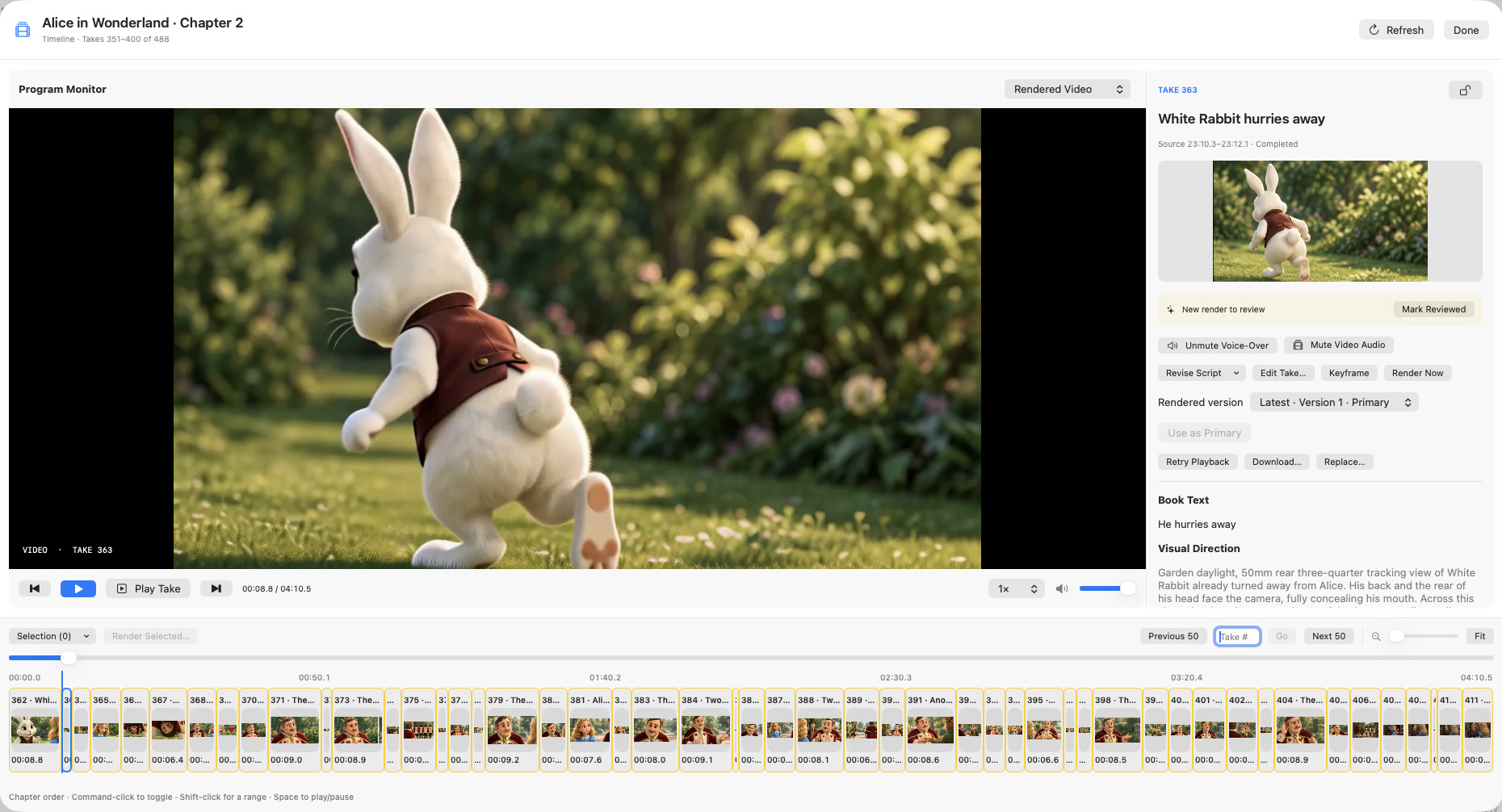
Chapterframe separates the source performance from video audio in supported review controls, so you can investigate which layer contains the problem. Revise the take’s sound cues before another compatible render, and check the output of local vocal removal where used; separation can leave artifacts. The effects guide explains the workflow, while the Timeline screenshot shows where the audio review sits beside the sequence.